Unreal Engine C++ Tutorials
A collection of Unreal Engine C++ Tutorials that I have created over the years. This page includes a wide range of topics such as guides, sample game projects, specific C++ game features, tips & tricks, etc.
Getting Started with C++
Start with my long form Complete Guide to Unreal Engine C++ article. The C++ Guide covers many of the essential programming concepts you will use day to day in Unreal Engine. I recommend bookmarking it to keep as a reference guide when watching programming tutorials or following my C++ Course.
“Project Orion” a Multiplayer Action Roguelike Sample Game
The Co-op Action Roguelike Sample Game (Codenamed “Project Orion”) is open-source on GitHub and the most advanced and complete sample project I have built for Unreal Engine over the years. It comes with a large number of features you need to build games including a framework with a custom Ability System, enemy AI, full multiplayer support and a range of optimization tricks. You can find the full breakdown on the new Orion Sample Game project page along with the full source code.
This project is what you build in the Professional Game Development in C++ and Unreal Engine 5 Course (minus some of the later additions and experiments found on the Main Branch in GitHub). If you want to learn exactly how to build this, the reasoning behind every line of code, and tons more tips and tricks we cover along the way, click here!
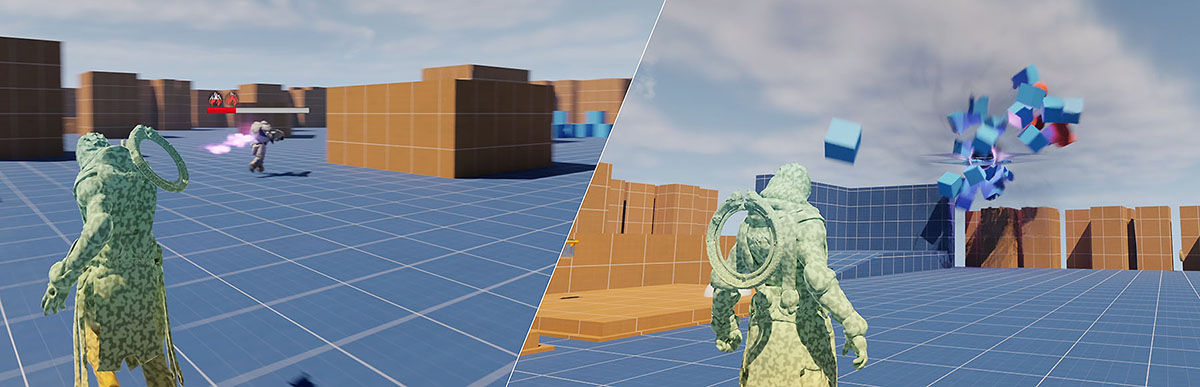 Left: Combat with Enemy AI, Buffs, Abilities, and multiplayer support. Right: Blackhole Ability sucking up the environment.
C++ Gameplay Framework Guide
Essential knowledge for Unreal Engine is the built-in Gameplay Framework (Actor, Pawn, GameMode, etc.) as you will be dealing with these core classes constantly. It is written from a C++ perspective, but even for Blueprint users it’s highly relevant as you extend from the same classes.
Unreal Engine Bookmarks Collection
For much more C++ content created by others in the community, check out my Unreal Engine Bookmarks page.
Latest C++ Content
Setting up Rider for C++ and Unreal Engine
Installing and configuring JetBrains Rider for Unreal Engine C++ programming requires a very specific set of components. This guide will help you make this setup process go smoothly.
C++ Course Completely Rebuilt for Unreal Engine 5 (Early Access)
The Unreal Engine 5 refresh of the Professional Game Development in C++ and Unreal Engine course has entered early access. Completely re-recording the entire course and improving every aspect of the code, best practices and curriculum.
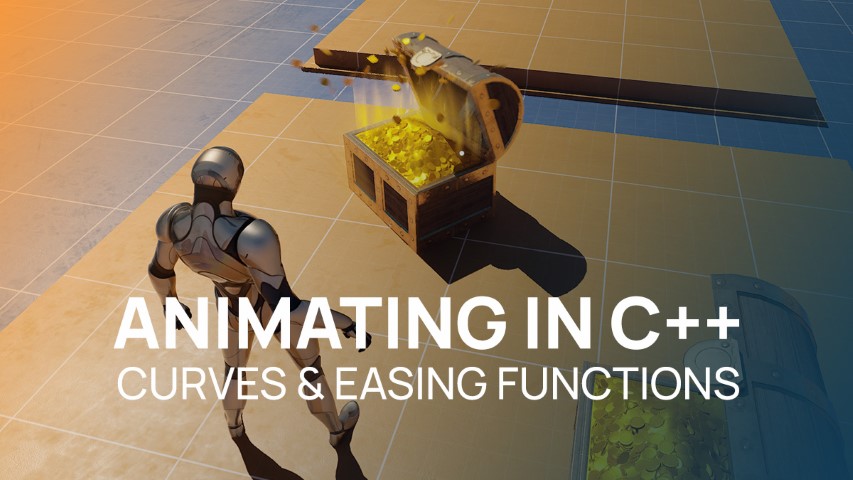
Animating in C++: Curves and Easing Functions
Sometimes you only need a simple “tween” style animation in C++ to interpolate values or animate certain gameplay elements using Curves and Easing Functions.
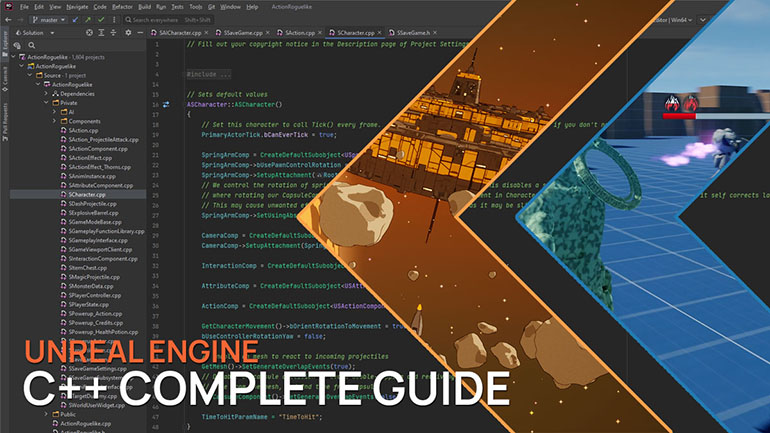
Unreal Engine C++ Complete Guide
The complete reference guide to C++ for Unreal Engine game development. Covering all the essential programming concepts you need to code effectively in Unreal Engine C++. It includes all the commonly used concepts such as pointers, references, interfaces, macros, delegates, modules and more… Use it alongside other learning resources to learn more about a specific C++ programming concept.
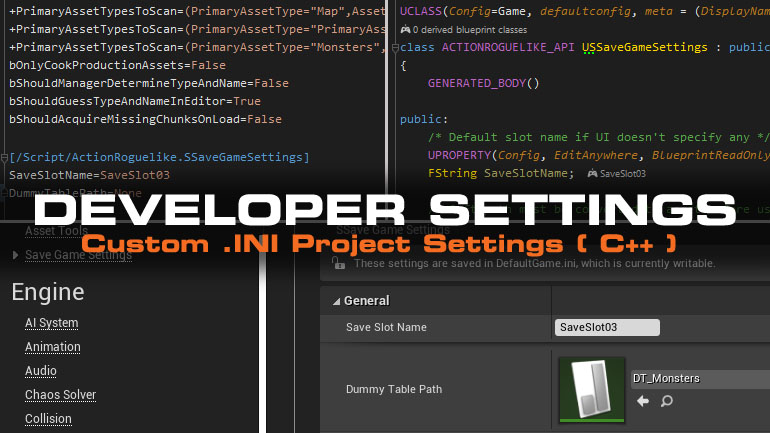
Adding ‘Project Settings’ to Unreal Engine (DeveloperSettings)
There is a better way to store and modify your project wide settings than using Blueprints or hard-coded C++. Learn how to use the Developer Settings class.
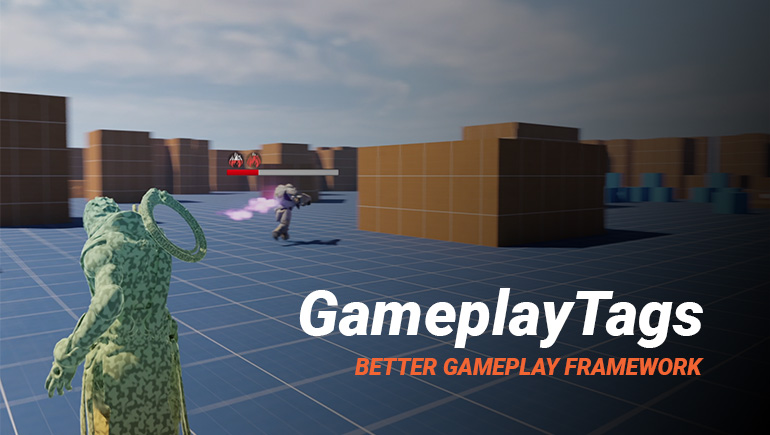
Why you should be using GameplayTags in Unreal Engine
Why GameplayTags are valuable in Unreal Engine and how to use them for data-driven design and runtime decision-making.
Unreal Engine C++ Save System
For your game, you will eventually need to write some kind of save system. To store player information, unlocks, achievements, etc. In some cases, you will need to save the world state such as looted chests, unlocked doors, dropped player items, etc.
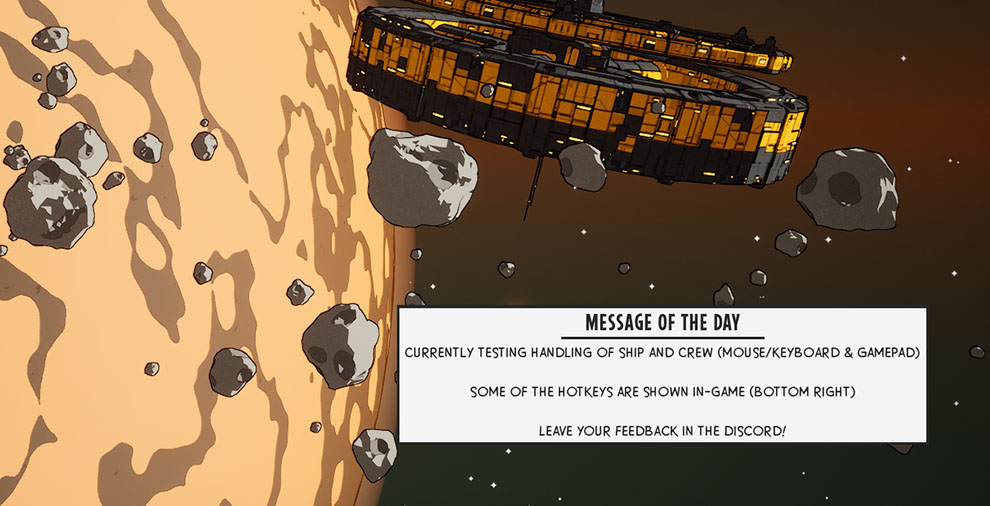
Creating Latent Blueprint Nodes
For my upcoming game WARPSQUAD, I was curious how easy it is to fetch data from a web service to be displayed in-game. The initial use case is a simple Message of the Day (MOTD) to be displayed in the main menu. Allowing for easy communication with players during playtests or (service) issues. You could use such web interfacing for posting in-game feedback too or whatever data you want to keep outside of the game executable to update on the fly.
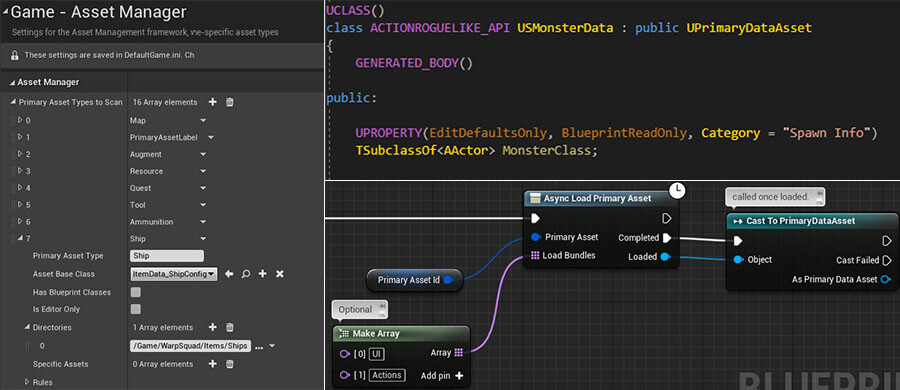
Asset Manager for Data Assets & Async Loading
Guide to using Unreal Engine’s Asset Manager for data assets and async loading with example workflows.
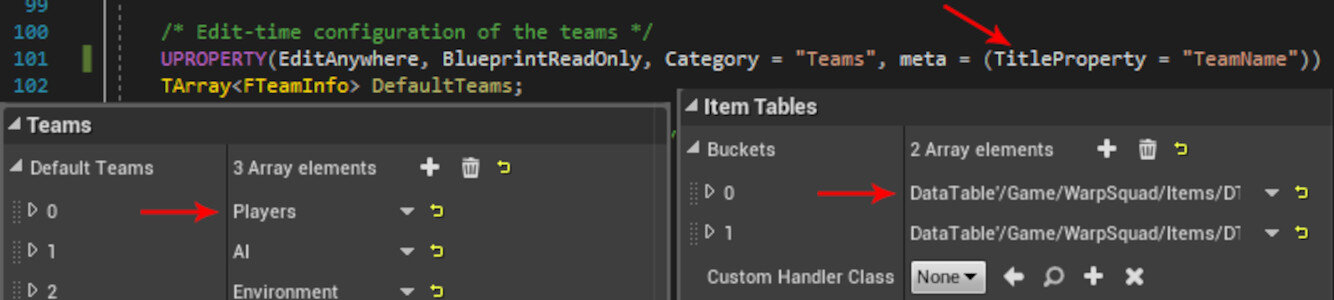
Making C++ Arrays with Structs more readable in Unreal Editor
Improve Unreal Editor UX for C++ arrays of structs by using the TitleProperty metadata specifier.
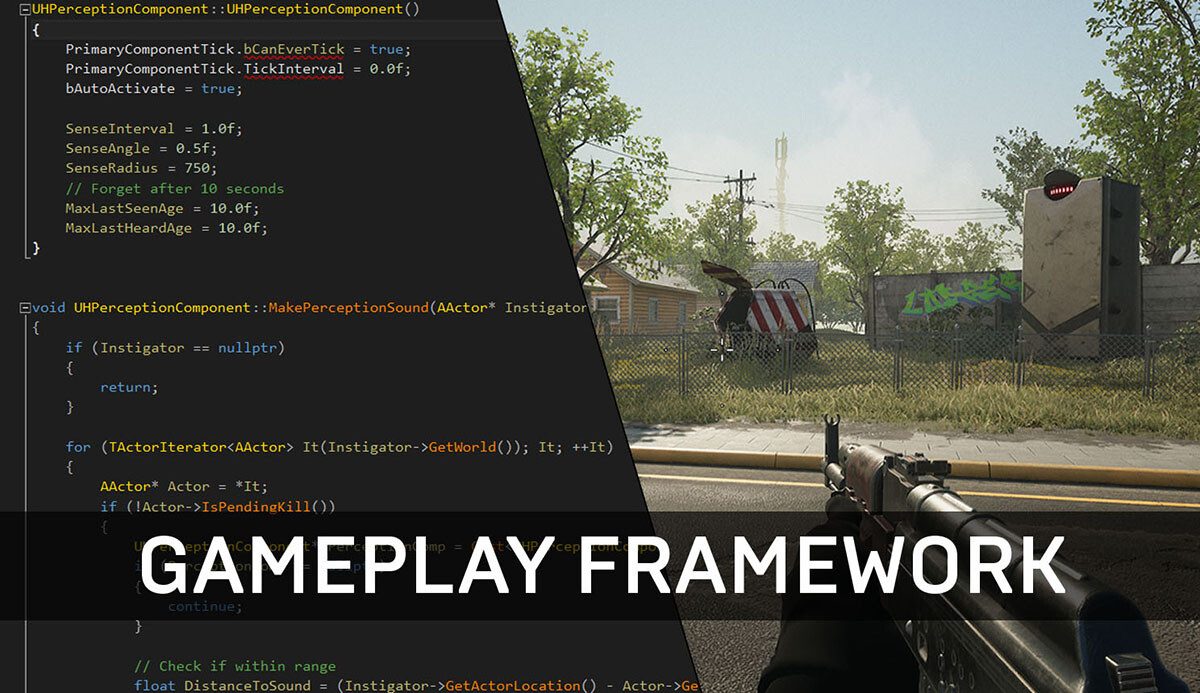
Unreal Gameplay Framework Guide for C++
A guide to Unreal Engine’s Gameplay Framework for C++ projects, covering Actors, components, and core game architecture.
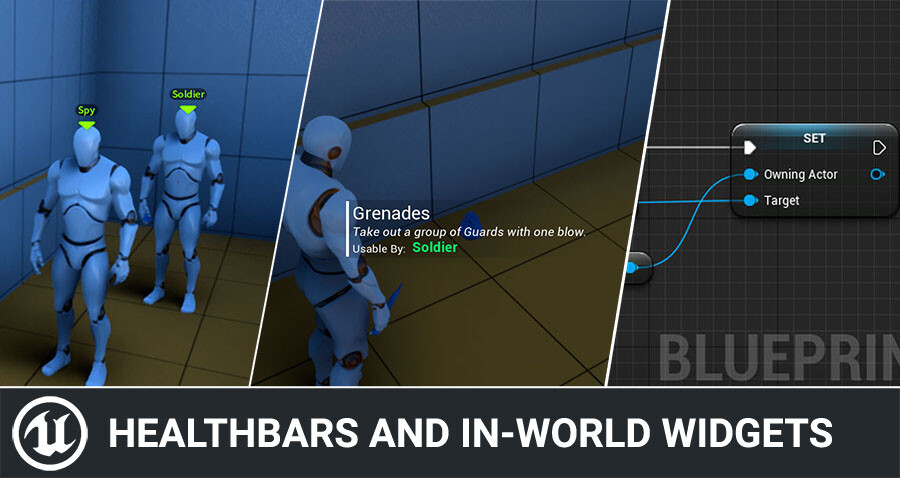
Healthbars and Nameplate Widgets with UMG
Today I’d like to quickly show how you can add UI for things like health bars, nameplates, interaction prompts and more in Unreal Engine. It’s quite simple to do, and I hear a lot of questions about this, so today I’ll share some tricks with you to make this even easier. The sample code is done in C++, but keep reading as I show you a quick and easy Blueprint-only trick too! The following guide explains the concept of how to be able to fetch the information you desire for ...
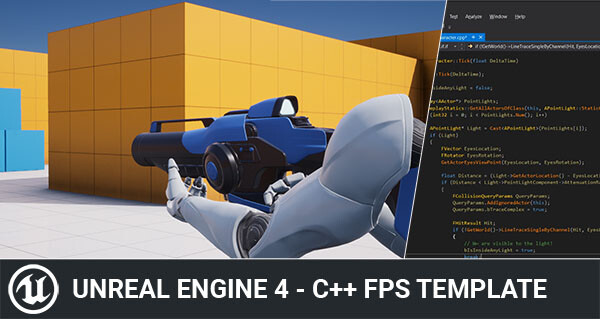
Simple C++ FPS Template for Unreal Engine
A simplified Unreal Engine FPS template for C++ learners, removing VR/mobile complexity and focusing on core gameplay code.
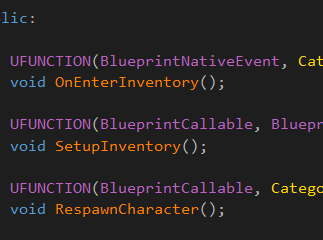
Unreal Engine UFUNCTION specifiers Explained
Explains common UFUNCTION specifiers in Unreal Engine and how they expose C++ functions to Blueprints.
Unreal Engine 5 C++ Timers: SetTimer, FTimerHandle & Delegates Guide
Find out how to use timers in Unreal Engine 5 C++ including delegates, passing parameters and FTimerHandles.