All Posts

Looking for a specific post? Try searching in the top-right or Browse Posts by Category instead.

Unreal Engine 5.7 Performance Highlights

It is time for another Unreal Engine 5.7 Performance Highlights post! I have compiled a list of most impactful changes which make it worthwhile to upgrade to 5.7. I trimmed the list more substantially this time around to make it more digestible and really highlight the most interesting areas while keeping the more minor changes out. I have included annotations and clarifications not found in the original release notes.

Unreal Engine 5.6 Performance Highlights

The release of Unreal Engine 5.6 brings a lot of incredible performance improvements to the engine. In this alternative release notes I have filtered the list down to the most interesting optimizations and performance related changes. Where appropriate I have added my own notes, to explain more clearly or give context as these notes can sometimes be rather vague or short.

Unreal Engine 5.5 Performance Highlights

The following Highlights are taken from the Unreal Engine 5.5 Release Notes and focus primarily on real-time game performance on PC and consoles. My personal highlights have some commentary on them and at the bottom you’ll find a raw list of changes that I found notable. There were so many changes that even at the bottom I choose not to include everything, especially if the release notes were vague on their benefit or actual improvement.

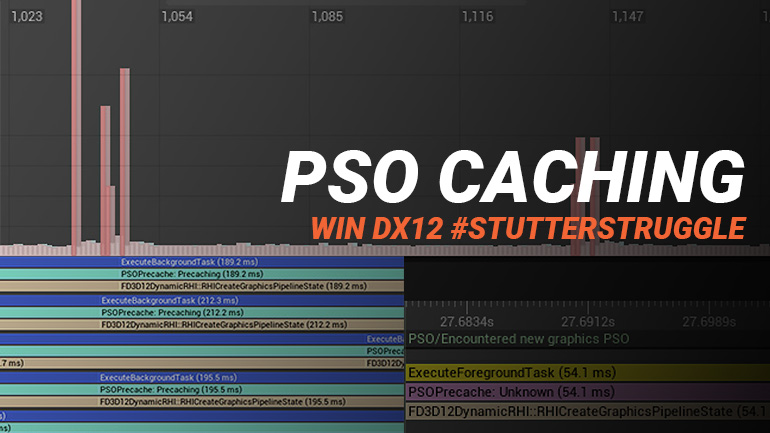
Setting up PSO Precaching & Bundled PSOs for Unreal Engine

In recent years DirectX 12 games have gotten a bad rep for shader stutters. The most common issue we see discussed at launch is due to a lack of pre-compiling Pipeline State Objects. These PSOs (required by the GPU) need to be compiled on the CPU if not already cached on the local machine and will cause hitches as they may cost anywhere from a few milliseconds to several hundreds of milliseconds to compile before we may continue execution.

Unreal Engine C++ Complete Guide

Getting started with Unreal Engine C++ can be a bit of a struggle. The resources online have no clear path to follow or fail to explain the Unrealisms you’ll encounter. In this article, I’ll attempt to give you an overview of many unique aspects of Unreal’s C++ and briefly go over some of the native C++ features and how they are used in the context of Unreal Engine. It’s a compilation of the many different concepts that you will face when working in C++ and Unreal Engine s...
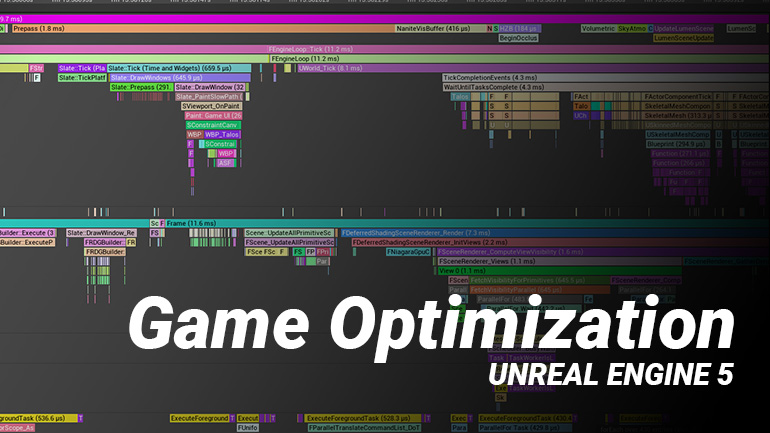
Unreal Engine Game Optimization on a Budget

For the JetBrains GameDev Day, I was invited to give a talk about Unreal Engine. I decided to create one for game optimization in Unreal Engine. It’s a topic I’ve been spending a lot of time with recently and wanted to share some tips and tricks. The slot of 45 minutes had only room for so much
so expect more performance-oriented blog posts from me soon!

Why you should be using GameplayTags in Unreal Engine

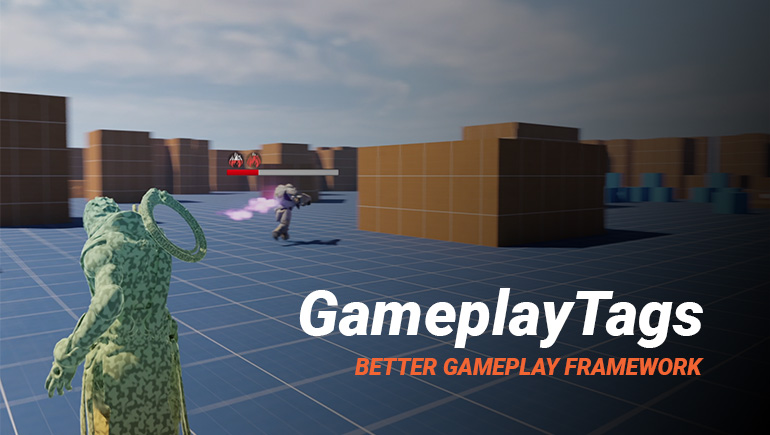
You may or may not be familiar with GameplayTags in Unreal Engine. It’s heavily used in Unreal’s Gameplay Ability System, but can be used stand-alone in your game framework. In this article, I will introduce GameplayTags and how they can be used in your game, even if you choose not to use GAS.

Unreal Engine C++ Save System

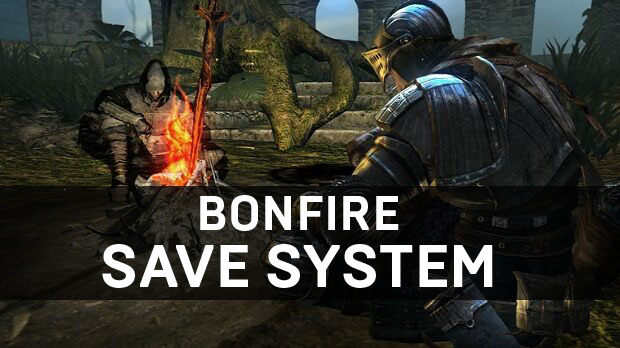
For your game, you will eventually need to write some kind of save system. To store player information, unlocks, achievements, etc. In some cases, you will need to save the world state such as looted chests, unlocked doors, dropped player items, etc.

Creating Latent Blueprint Nodes

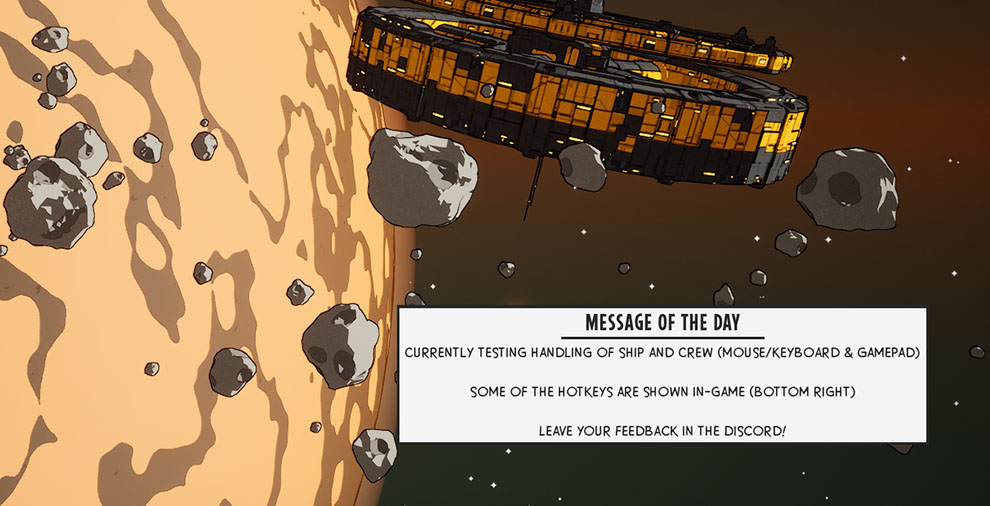
For my upcoming game WARPSQUAD, I was curious how easy it is to fetch data from a web service to be displayed in-game. The initial use case is a simple Message of the Day (MOTD) to be displayed in the main menu. Allowing for easy communication with players during playtests or (service) issues. You could use such web interfacing for posting in-game feedback too or whatever data you want to keep outside of the game executable to update on the fly.

Exploring DLSS 2.0 in Unreal Engine

Last year Nvidia announced DLSS 2.0 with the ability to open this new anti-aliasing solution for all games. The game-specific deep learning is no longer required as it was with prior iterations. For an indie dev that is especially exciting as the chance of getting onto Nvidia’s SuperComputer was pretty slim. It’s now easier than ever to add DLSS support to your Unreal Engine title!

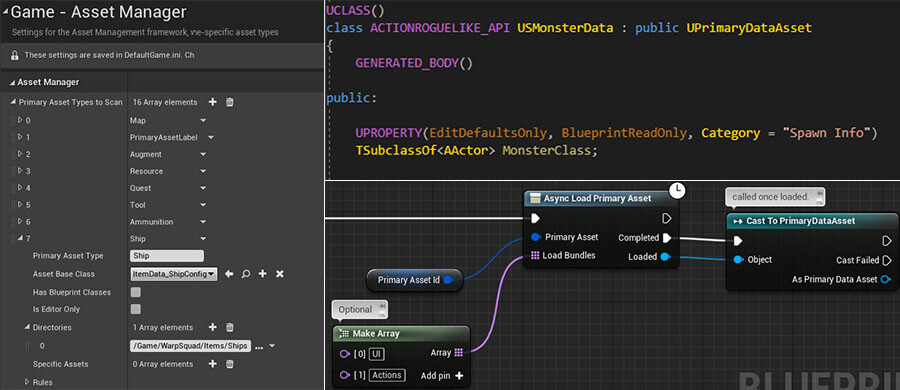
New ‘Action Roguelike’ C++ Project on GitHub

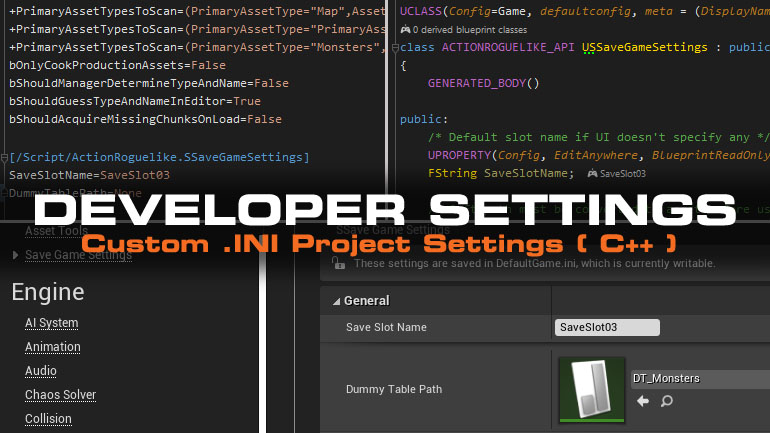
For the Stanford University Fall Curriculum, I built a small game project using C++ mixed with some Blueprint in Unreal Engine. It has since been converted into an online course that anyone can participate in. It has been used by dozens of industry leading game studios to train their employees for C++ with Unreal Engine on top of thousands of indie developers.

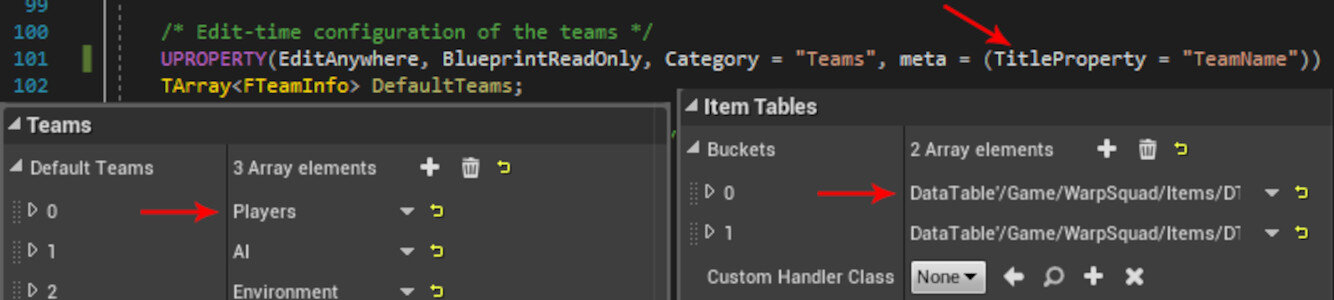
Making C++ Arrays with Structs more readable in Unreal Editor

Editing Arrays containing Structs in Unreal Engine has some bad UX. Especially for arrays with many entries as each element provides no context to its contents until you expand each element in the UI to inspect the contents. There is a way to make this look better using the TitleProperty meta-specifier! This trick is only available to arrays created in C++ that are exposed to be viewed in the Unreal Editor.

Optimize Shader Compilation & Package Sizes

Unreal Engine Project Settings allow a major reduction (up to 50%) of shader permutations affecting shader compile times, package size, and load times. You can find the options under the Engine > Rendering > Shader Permutation Reduction Category. Which settings you can disable will depend on your project’s rendering requirements.

Rotating meshes using Vertex Shaders

Rotating (ambient) meshes in your world adds a dynamic element, but doing this on the CPU and having to pass it to the GPU each frame is a relatively slow operation. Without realizing you may be updating your collision every tick too, causing overlap updates and hurting performance even more.

Journey into Utility AI for Unreal Engine (Part Two)

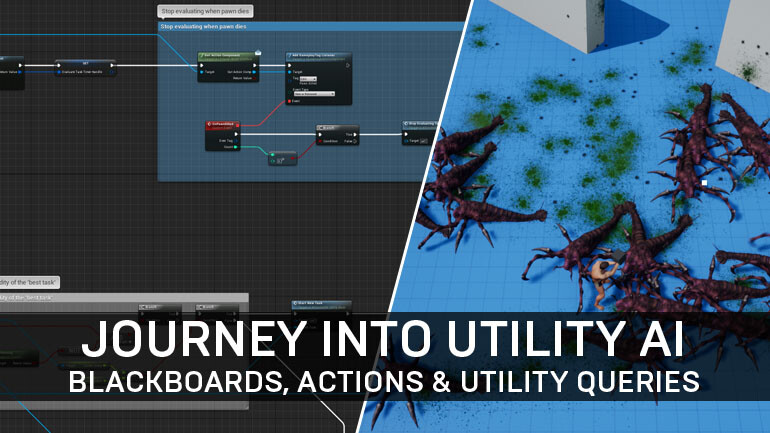
Since the last time I wrote about Utility AI for Unreal Engine 4, it has been stream-lined and so has the Action System it’s built on. The Action System is quite similar to Unreal’s Gameplay Ability System for those familiar. Towards the end I’ll tease a few other AI related concepts I’ve been working on. Here is part one in case you missed it.

Mesh Outlines Without Post-Processing in Unreal Engine

Some time ago I saw a neat solution by Cory Spooner on outlining meshes using particle sprites. The concept has been done before - but it’s interesting enough to cover it regardless for Unreal Engine specifically. We render the outline on a translucent cube or sphere that is tightly fitted around the desired mesh. We apply the outline material to this cube instead of a post-process chain. This let’s us affect only small portions of the screen rather then pay the full-scree...

Adding Stat Traces (Stat Commands) in Unreal Engine

The only sane way to optimize your game is by having good profiling metrics. Unreal Engine comes packed with several good profiling tools and “stat commands” is one such feature. It allows us to measure pieces of our (C++) code in different ways. In this short article I explain how you can use this to your advantage.

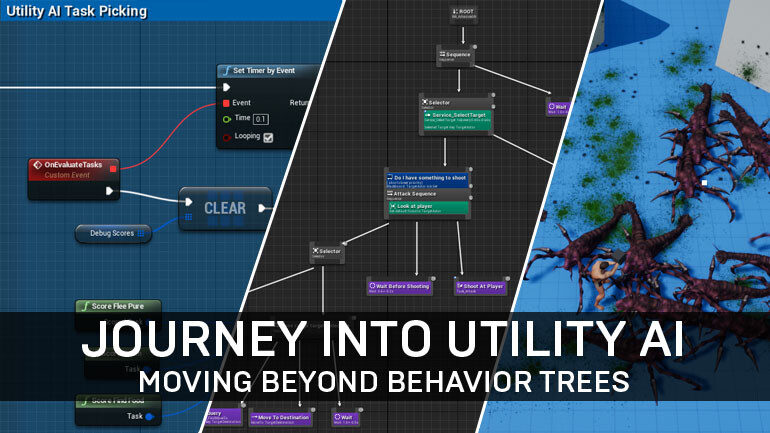
Journey into Utility AI with Unreal Engine (Part 1)

Unreal Engine comes with several AI features built-in (Behavior Trees, Blackboards, Navigation Mesh and Environment Query System) but hasn’t seen many improvements in this area since the launch of 4.0 several years ago. With mixed results in our projects using Behavior Trees we decided to look at alternatives. Oz pointed me to Utility AI as a system for setting up AI behaviors, I have since been fascinated by the simplicity of the concept to replace Behavior Trees in our p...

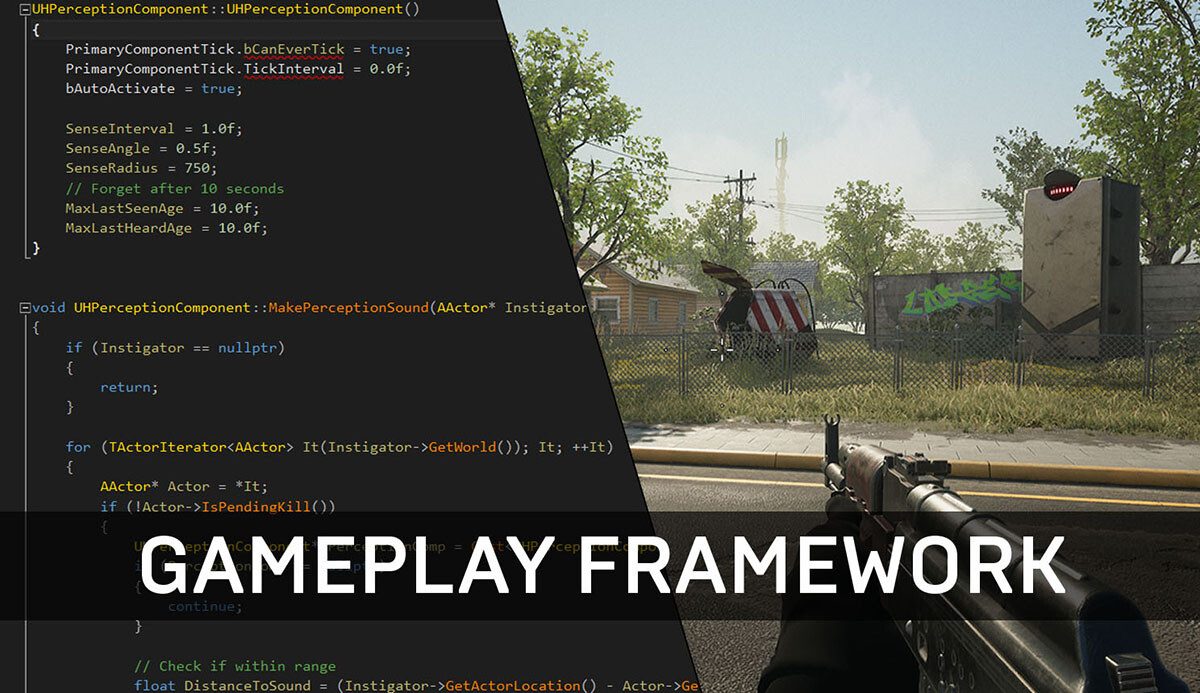
Unreal Gameplay Framework Guide for C++

The Gameplay Framework of Unreal Engine provides a powerful set of classes to build your game. Your game can be a shooter, farm simulator, a deep RPG, it doesn’t matter. The framework is very flexible and does some heavy lifting and sets some standards. It has a pretty deep integration with the engine so my immediate advice is to stick to these classes instead of trying to ‘roll your own’ game framework as you might with engines like Unity. Understanding this framework is ...

Distance Fog Post-Process Material

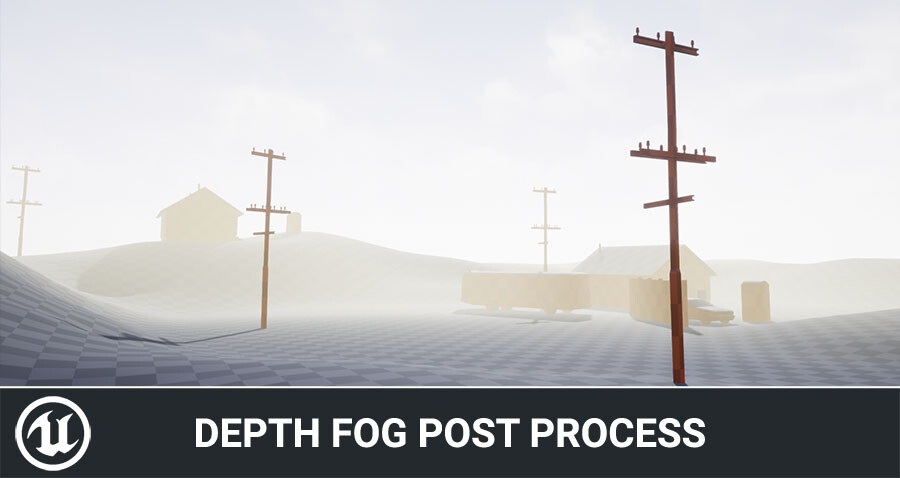
In this post I will discuss depth (or distance) fog and the things I did to improve on the original basic effect while keeping this simple and light-weight. It’s not a step-by-step tutorial, but explains the core concepts behind the effect including a download link at the end.

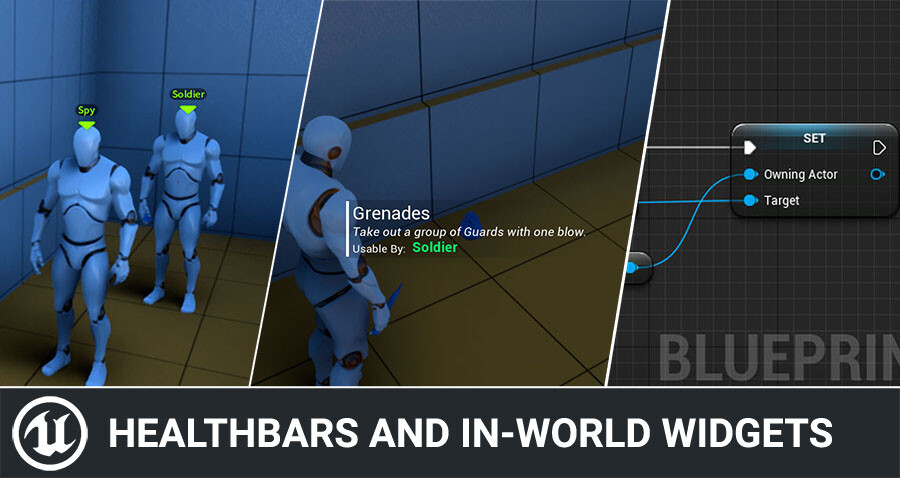
Healthbars and Nameplate Widgets with UMG

Today I’d like to quickly show how you can add UI for things like health bars, nameplates, interaction prompts and more in Unreal Engine. It’s quite simple to do, and I hear a lot of questions about this, so today I’ll share you some tricks to make this even easier. The sample code is done in C++, but keep reading as I show you a quick and easy Blueprint-only trick too! The following guide explains the concept of how to be able to fetch the information you desire for your ...

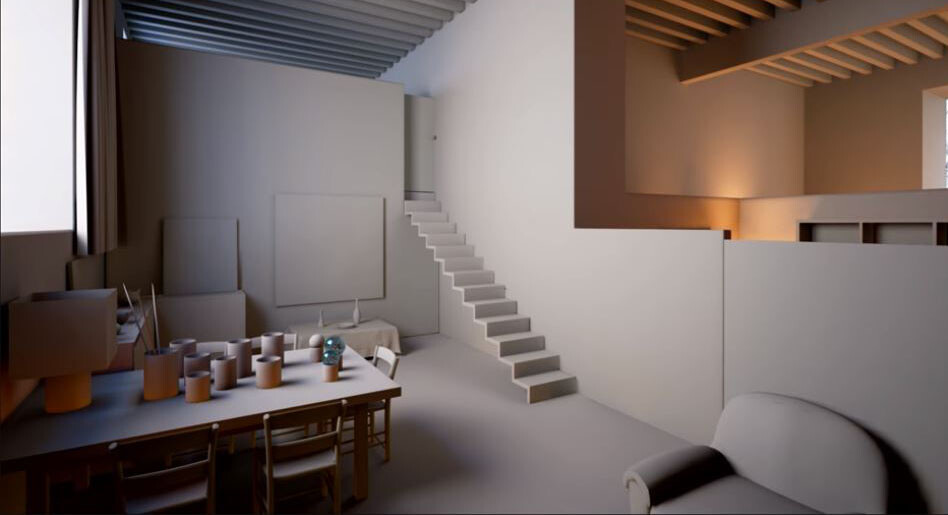
Unreal Engine Lighting Masterclass

Unreal Engine posted an excellent MasterClass talk by Jerome Platteaux on Lighting during Unreal Dev Day Montreal 2017. The video is worth a full watch, it contains tons of interesting practical tips and explains many of the Lightmass features of Unreal Engine 4. I am writing this post to create a personal reference of all the useful data contained in this video without having to scroll through the video every time I am looking for some information. I mostly focused on the...

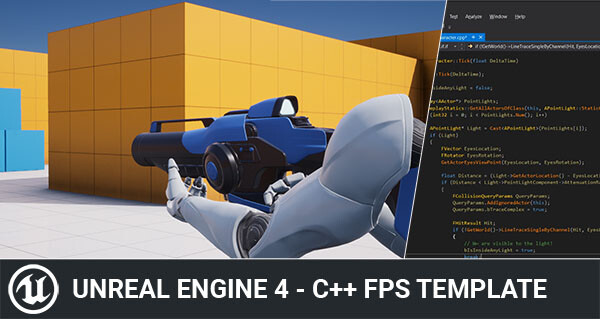
Simple C++ FPS Template for Unreal Engine

As I have been preparing some Unreal Engine C++ tutorials, I wanted to use the Built-in C++ FPS Template that ships with the engine as a base project and found it has VR and Touch-input code in the character class which don’t serve any purpose unless you are interested in VR and/or mobile. Since I needed a super simple C++ template to not scare people away from learning this language, I decided to create a simplified version with only the essentials for non-VR projects (Th...

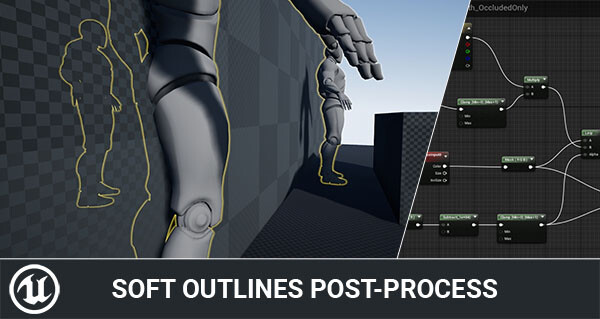
Rendering Soft outlines in Unreal Engine

Ever since I first wrote about creating mesh outlines in Unreal Engine I have wondered if it was possible to render them as soft outlines instead of harsh binary lines. A good example of soft outlines can be found in Valve’s games like Left 4 Dead or CS:GO.

Rendering Wounds on Characters

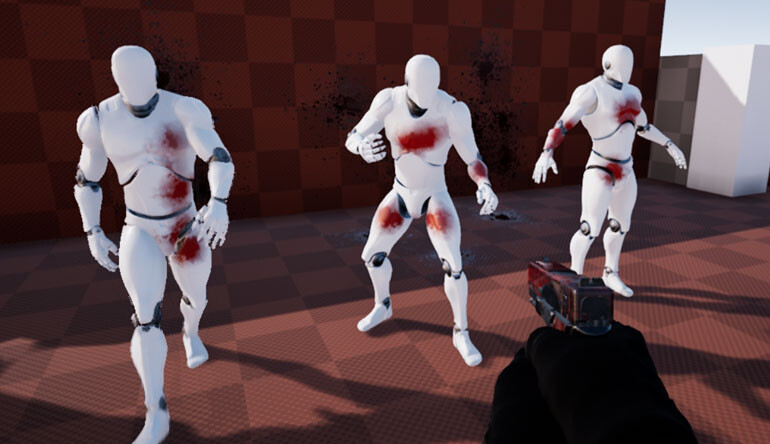
Earlier this week I tweeted about hit-masking characters to show dynamic blood and wounds. Today I’d like to talk a little about the effect and how it came to be. I’ll talk a little bit about the technical details and some alternatives. The effect is a proof of concept to try and find a cheaper alternative to texture splatting using render targets. So let’s get going!

Textured Shadows Trick in Unreal Engine

This weekend I stumbled upon a reddit post about Dr. Facilier’s interesting shadow in The Princess and the Frog and it inspired me to experiment with Forward shading in Unreal Engine 4 to re-create a similar effect in real-time shading. OP pointed out that The Shadow Man’s shadow changes the wallpaper his shadow is cast on. A subtle but quite interesting effect!

Unreal Engine UFUNCTION specifiers Explained

In this post I will be covering the common keywords used with the UFUNCTION macro in Unreal Engine 4. Each of the keywords covered include a practical code sample and a look at how it compiles into Blueprint nodes.  I left out the networking specific keywords as they deserve a separate post on networking in Unreal Engine 4 and instead I focus on the different keywords used for exposing your C++ to Blueprint.

Multi-color Outline Post Process in Unreal Engine

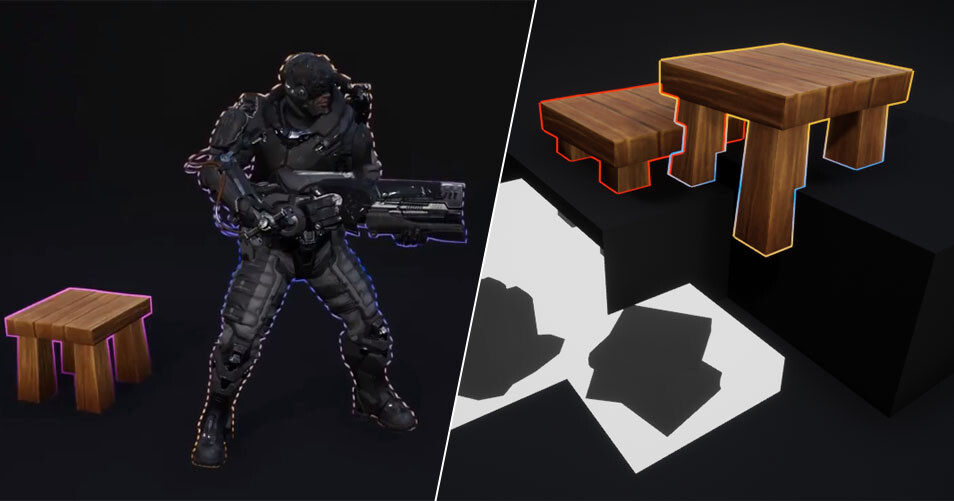
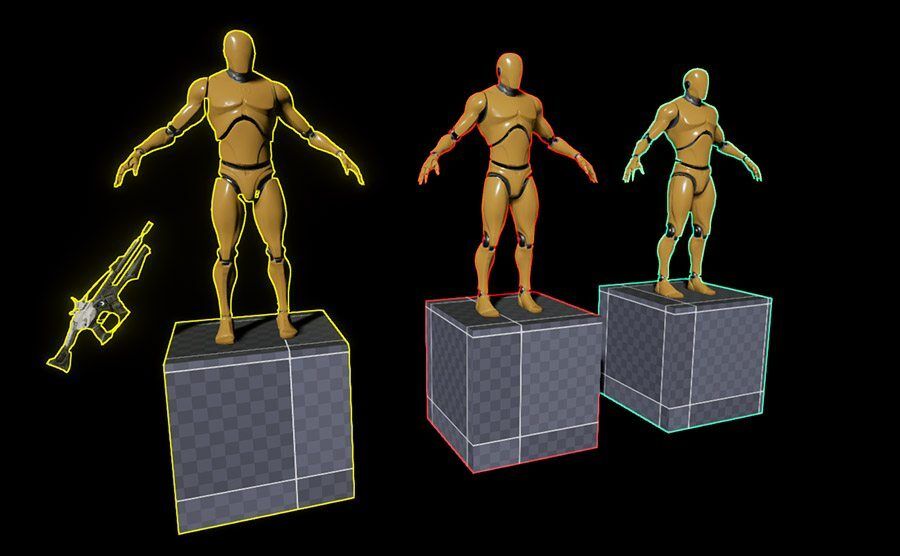
With some of the recent changes to Unreal Engine 4, rendering multi-color outlines is now possible! This is done through the use of Custom Stencil, a new buffer similar to Custom Depth - but allowing meshes to render as integer values. This provides us with a 1-255 range of indices that can be used to apply different outline colors to meshes and even combine multiple features such as the decal x-ray shown below by using a different stencil index.

Circular Progress Bar for UMG

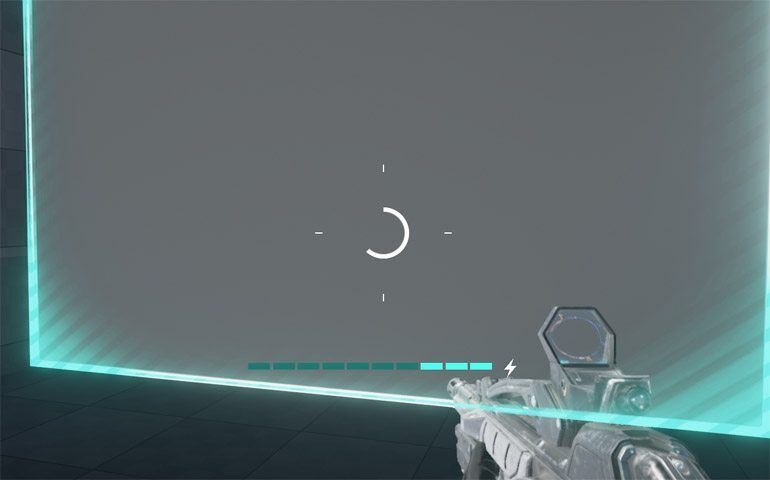
We recently added a new locking feature to Switch for which we needed to have progress feedback. For this I built a circular progress bar in UMG. I’m giving away the material to use in your own projects. The download link is at the bottom. If you wish to learn more about the effect, keep reading - otherwise you can simply scroll down and download the material outright and explore it on your own. Enjoy!

Using C++ Timers in Unreal Engine

Timers are incredibly helpful for gameplay programming in Unreal Engine. However, the syntax can be a little tricky if you’re unfamiliar with C++. This blog post will cover all the essential features and syntax for using C++ timers effectively in your game.

Distance Fields in Unreal Engine

Unreal Engine leverages the power of Signed Distance Fields for Ambient Occlusion and more recently added Ray Traced Distance Field Soft Shadows. I will briefly discuss and demonstrate both effects as a result of some early research to consider using these techniques for our game. Since the core of Switch’s design hinges on fully dynamic levels, we simply cannot bake down any lighting. As a result we have to look out for a better approach to create scene definition and ton...

Custom Depth in Unreal Engine

Unreal Engine 4 introduced a new depth buffer along with its PBR rendering system. It’s called “Custom Depth” and can be used for effects like the selection outline that is built-in in the Editor, rendering of occluded meshes, or custom culling of transparency. I will discuss some of the basics of using this buffer in the material editor and explain some of the features I used it for in my own projects.