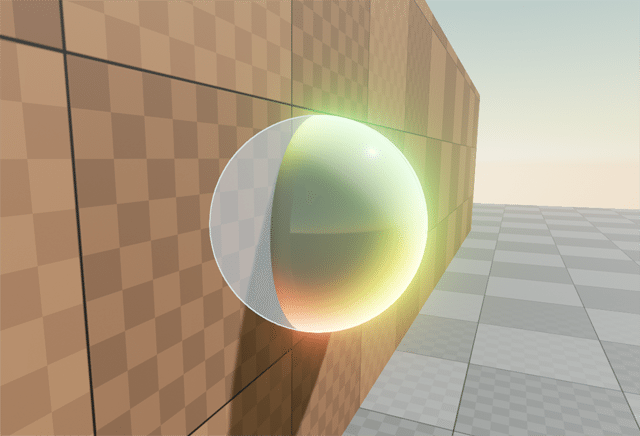
Rotating meshes using World Position Offset in Unreal Engine
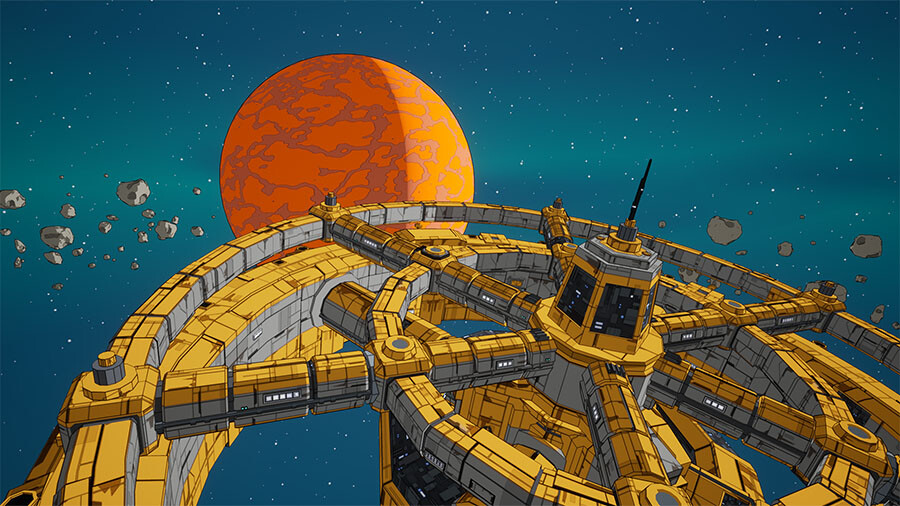
Showcases how to rotate meshes on the GPU in Unreal Engine using vertex shaders for performance-friendly animation.
Showcases how to rotate meshes on the GPU in Unreal Engine using vertex shaders for performance-friendly animation.
Some time ago I saw a neat solution by Cory Spooner on outlining meshes using particle sprites. The concept has been done before - but it’s interesting enough to cover it regardless for Unreal Engine specifically. We render the outline on a translucent cube or sphere that is tightly fitted around the desired mesh. We apply the outline material to this cube instead of a post-process chain. This lets us affect only small portions of the screen rather than pay the full-screen...
In this post I will discuss depth (or distance) fog and the things I did to improve on the original basic effect while keeping this simple and light-weight. It’s not a step-by-step tutorial, but explains the core concepts behind the effect including a download link at the end.
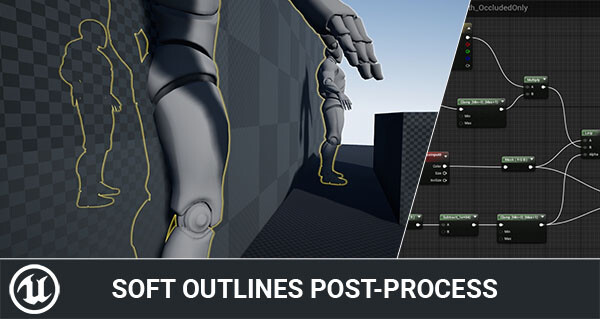
An experiment in rendering soft, blurred outline effects in Unreal Engine using Custom Depth and post-process materials.
Earlier this week I tweeted about hit-masking characters to show dynamic blood and wounds. Today I’d like to talk a little about the effect and how it came to be. I’ll talk a little bit about the technical details and some alternatives. The effect is a proof of concept to try and find a cheaper alternative to texture splatting using render targets. So let’s get going!
Experimenting with textured shadow tricks in Unreal Engine 4 using Forward rendering and LightAttenuation buffers.
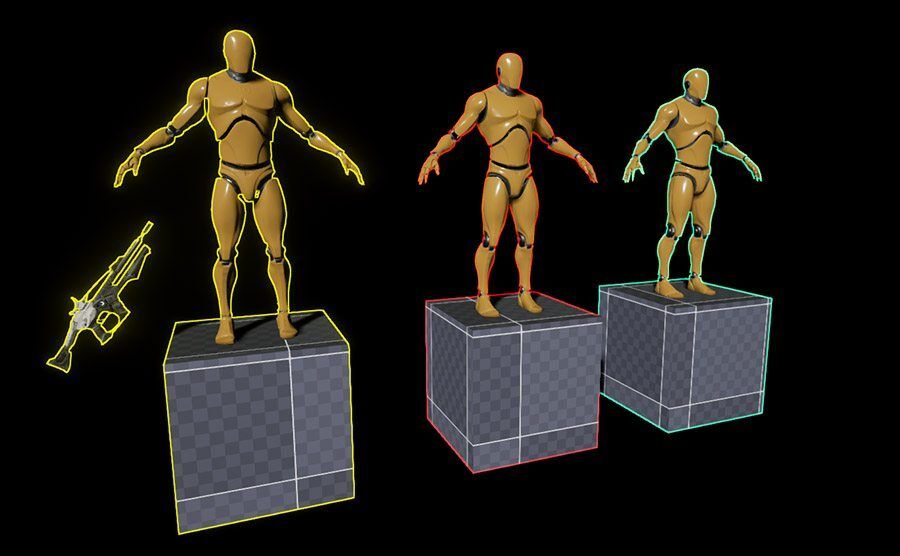
Use Custom Stencil and Custom Depth in Unreal Engine to render multi-colored outline effects with post-process materials.
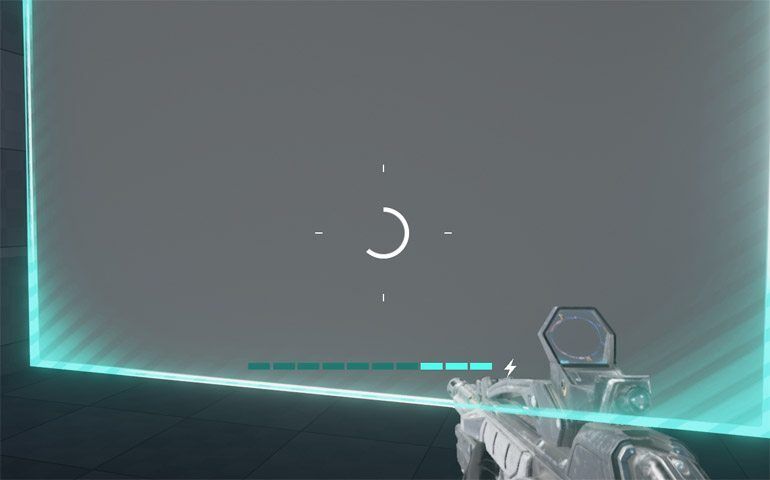
Build a circular progress bar in UMG with material-driven animation and texture setup for Unreal Engine UI.
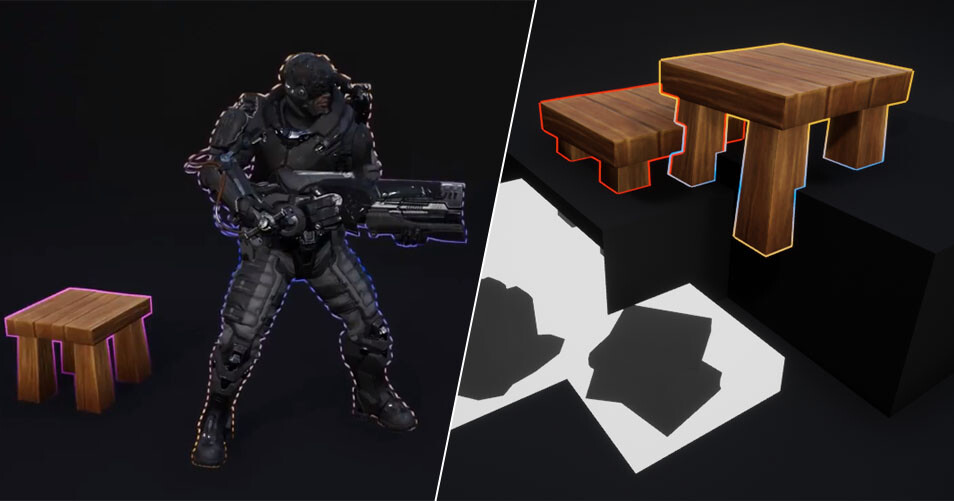
Learn how Unreal Engine’s Custom Depth & Stencil buffer can drive outlines, occlusion effects, and other post processing tricks.
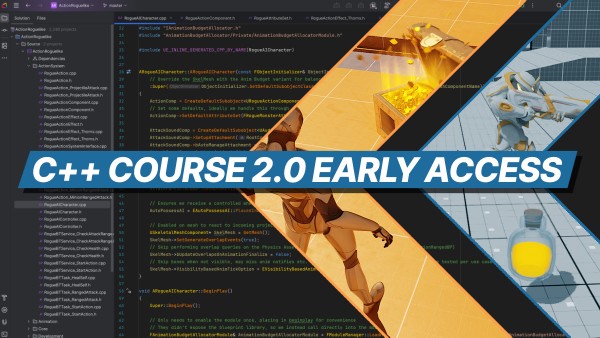
My Unreal Engine 5 C++ course has been rebuilt with 30+ hours of new lessons, updated gameplay systems, and a refined curriculum.
Installing and configuring JetBrains Rider for Unreal Engine C++ programming requires a very specific set of components. This guide will help you make this setup process go smoothly.
The complete reference guide to C++ for Unreal Engine game development. Covering all the essential programming concepts you need to code effectively in Unreal Engine C++. It includes all the commonly used concepts such as pointers, references, interfaces, macros, delegates, modules and more… Use it alongside other learning resources to learn more about a specific C++ programming concept.
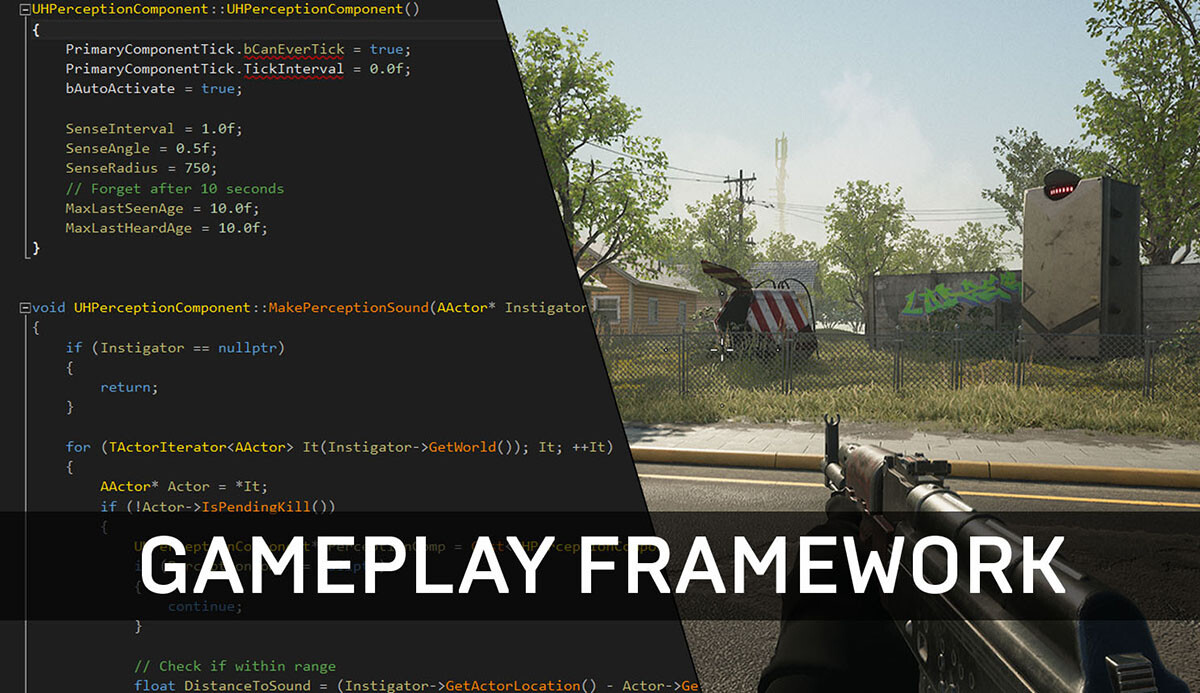
A guide to Unreal Engine’s Gameplay Framework for C++ projects, covering Actors, components, and core game architecture.
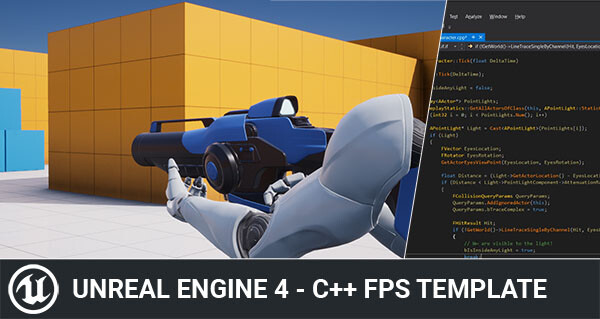
A simplified Unreal Engine FPS template for C++ learners, removing VR/mobile complexity and focusing on core gameplay code.
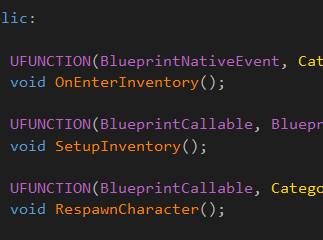
Explains common UFUNCTION specifiers in Unreal Engine and how they expose C++ functions to Blueprints.
My Unreal Engine 5 C++ course has been rebuilt with 30+ hours of new lessons, updated gameplay systems, and a refined curriculum.
The complete reference guide to C++ for Unreal Engine game development. Covering all the essential programming concepts you need to code effectively in Unreal Engine C++. It includes all the commonly used concepts such as pointers, references, interfaces, macros, delegates, modules and more… Use it alongside other learning resources to learn more about a specific C++ programming concept.
For my upcoming game WARPSQUAD, I was curious how easy it is to fetch data from a web service to be displayed in-game. The initial use case is a simple Message of the Day (MOTD) to be displayed in the main menu. Allowing for easy communication with players during playtests or (service) issues. You could use such web interfacing for posting in-game feedback too or whatever data you want to keep outside of the game executable to update on the fly.
A guide to Unreal Engine’s Gameplay Framework for C++ projects, covering Actors, components, and core game architecture.
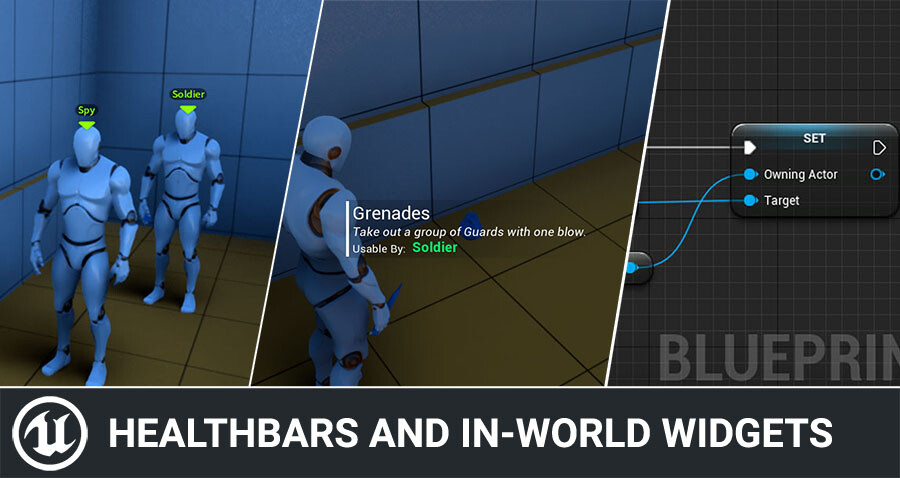
Today I’d like to quickly show how you can add UI for things like health bars, nameplates, interaction prompts and more in Unreal Engine. It’s quite simple to do, and I hear a lot of questions about this, so today I’ll share some tricks with you to make this even easier. The sample code is done in C++, but keep reading as I show you a quick and easy Blueprint-only trick too! The following guide explains the concept of how to be able to fetch the information you desire for ...
Explains common UFUNCTION specifiers in Unreal Engine and how they expose C++ functions to Blueprints.
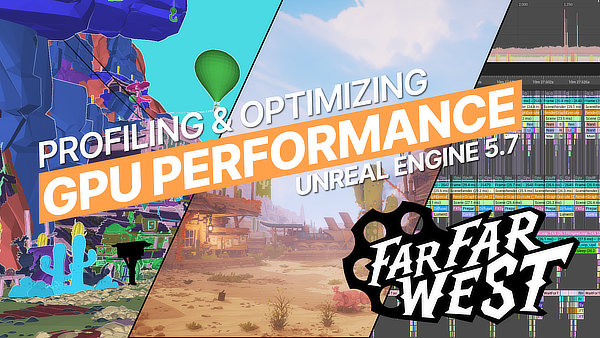
This is the written Companion Guide to “Optimizing GPU Performance for ‘Far Far West’”. We go through the project in Unreal Engine 5.7 and explore opportunities for improving the GPU performance, especially for lower spec PCs.
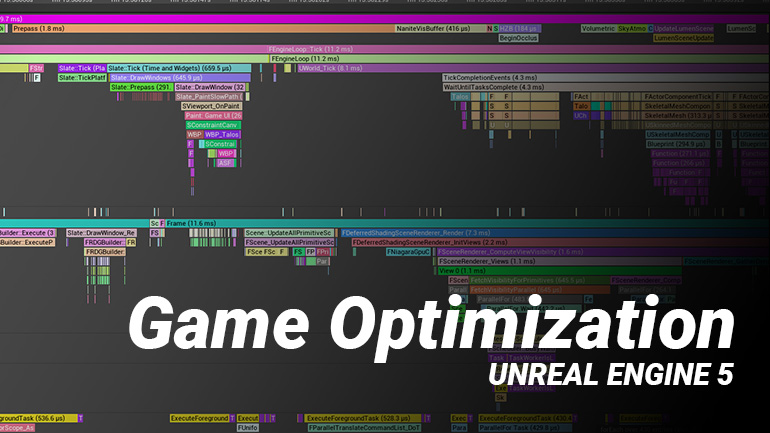
Notes from an Unreal Engine optimization talk covering profiling, performance tuning, and low-cost workflow improvements.
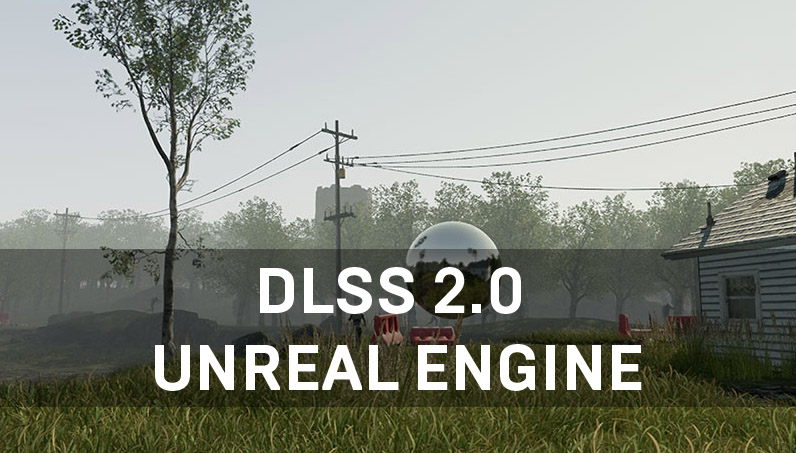
A practical Unreal Engine guide to DLSS 2.0, comparing quality, performance, and setup for UE4 projects.
Learn how Unreal Engine can automatically apply scalability settings based on player hardware benchmark results.
Showcases how to rotate meshes on the GPU in Unreal Engine using vertex shaders for performance-friendly animation.
Some time ago I saw a neat solution by Cory Spooner on outlining meshes using particle sprites. The concept has been done before - but it’s interesting enough to cover it regardless for Unreal Engine specifically. We render the outline on a translucent cube or sphere that is tightly fitted around the desired mesh. We apply the outline material to this cube instead of a post-process chain. This lets us affect only small portions of the screen rather than pay the full-screen...
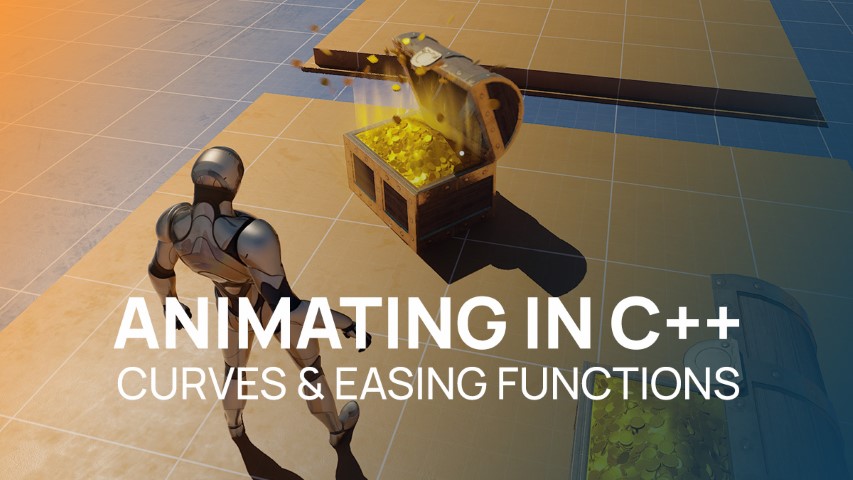
Sometimes you only need a simple “tween” style animation in C++ to interpolate values or animate certain gameplay elements using Curves and Easing Functions.
The complete reference guide to C++ for Unreal Engine game development. Covering all the essential programming concepts you need to code effectively in Unreal Engine C++. It includes all the commonly used concepts such as pointers, references, interfaces, macros, delegates, modules and more… Use it alongside other learning resources to learn more about a specific C++ programming concept.
For my upcoming game WARPSQUAD, I was curious how easy it is to fetch data from a web service to be displayed in-game. The initial use case is a simple Message of the Day (MOTD) to be displayed in the main menu. Allowing for easy communication with players during playtests or (service) issues. You could use such web interfacing for posting in-game feedback too or whatever data you want to keep outside of the game executable to update on the fly.
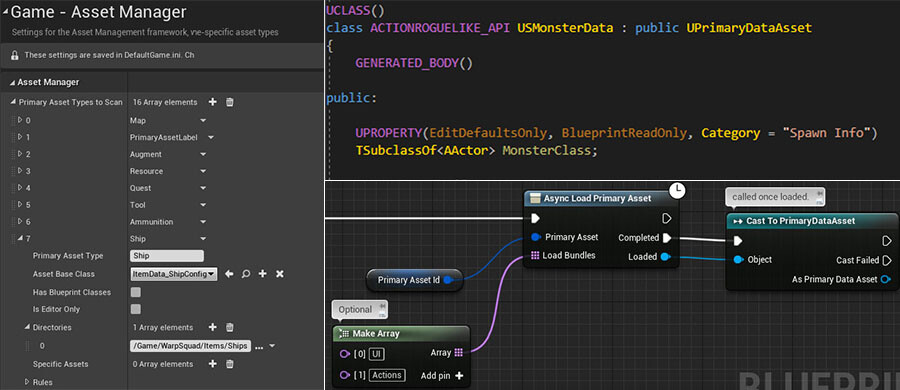
Guide to using Unreal Engine’s Asset Manager for data assets and async loading with example workflows.
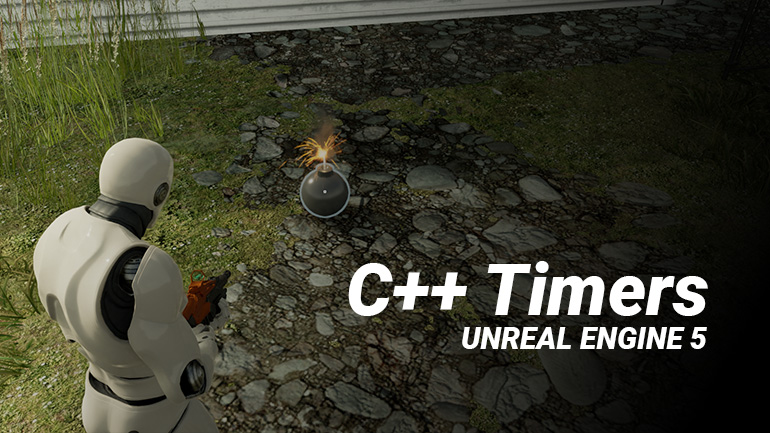
Find out how to use timers in Unreal Engine 5 C++ including delegates, passing parameters and FTimerHandles.
My Unreal Engine 5 C++ course has been rebuilt with 30+ hours of new lessons, updated gameplay systems, and a refined curriculum.
The complete reference guide to C++ for Unreal Engine game development. Covering all the essential programming concepts you need to code effectively in Unreal Engine C++. It includes all the commonly used concepts such as pointers, references, interfaces, macros, delegates, modules and more… Use it alongside other learning resources to learn more about a specific C++ programming concept.
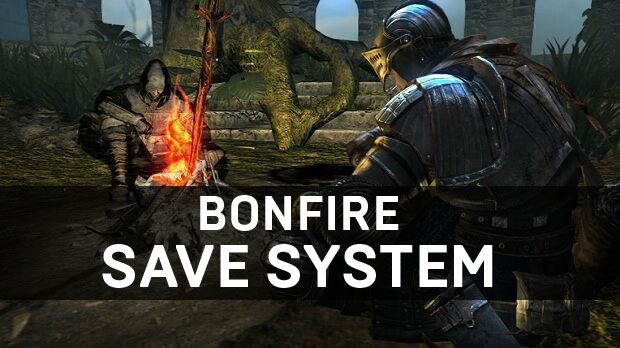
For your game, you will eventually need to write some kind of save system. To store player information, unlocks, achievements, etc. In some cases, you will need to save the world state such as looted chests, unlocked doors, dropped player items, etc.
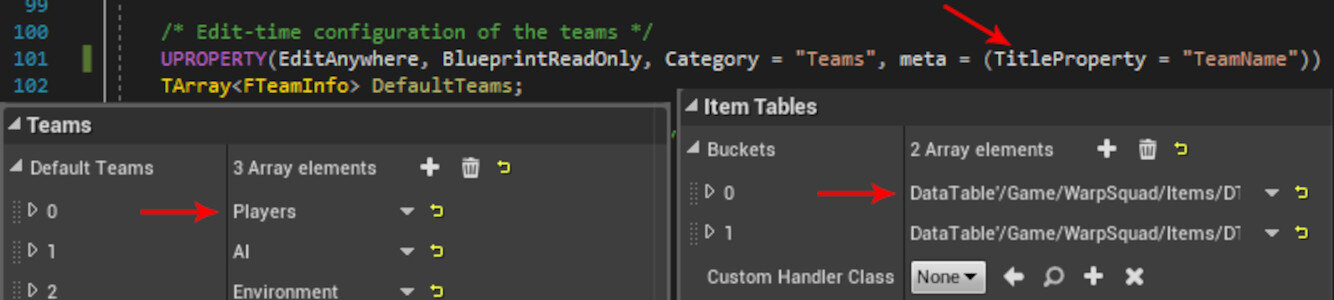
Improve Unreal Editor UX for C++ arrays of structs by using the TitleProperty metadata specifier.
Explains common UFUNCTION specifiers in Unreal Engine and how they expose C++ functions to Blueprints.
The February 2026 early-access announcement for the C++ course rebuild. See the current course page for availability, pricing, and curriculum.
A practical Unreal Engine guide to DLSS 2.0, comparing quality, performance, and setup for UE4 projects.
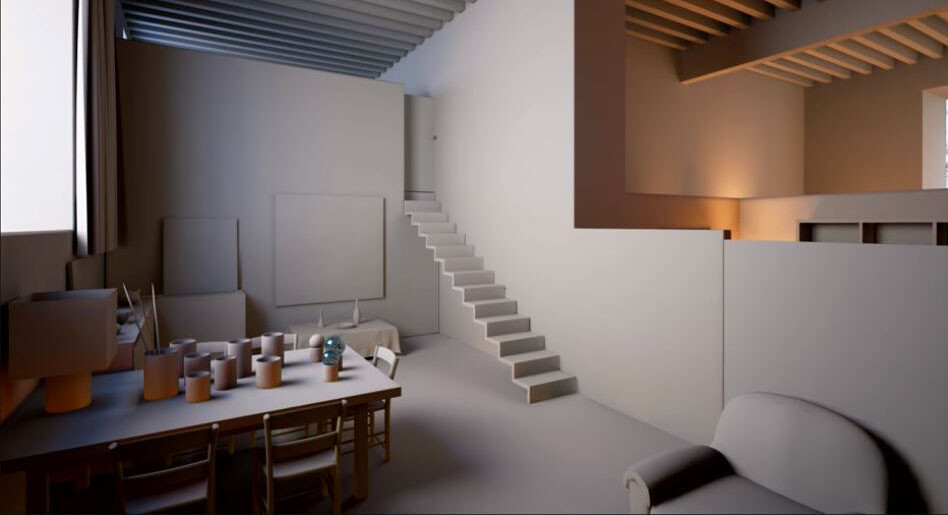
A personal reference to Unreal Engine lighting techniques from the 2017 MasterClass talk, with practical Lightmass setup and post-processing notes.
A simplified Unreal Engine FPS template for C++ learners, removing VR/mobile complexity and focusing on core gameplay code.
Experimenting with textured shadow tricks in Unreal Engine 4 using Forward rendering and LightAttenuation buffers.
My Unreal Engine 5 C++ course has been rebuilt with 30+ hours of new lessons, updated gameplay systems, and a refined curriculum.
For your game, you will eventually need to write some kind of save system. To store player information, unlocks, achievements, etc. In some cases, you will need to save the world state such as looted chests, unlocked doors, dropped player items, etc.
How to keep the Unreal Engine camera movable while the game is paused, including the necessary C++ setup.
A guide to Unreal Engine’s Gameplay Framework for C++ projects, covering Actors, components, and core game architecture.
A simplified Unreal Engine FPS template for C++ learners, removing VR/mobile complexity and focusing on core gameplay code.
My Unreal Engine 5 C++ course has been rebuilt with 30+ hours of new lessons, updated gameplay systems, and a refined curriculum.
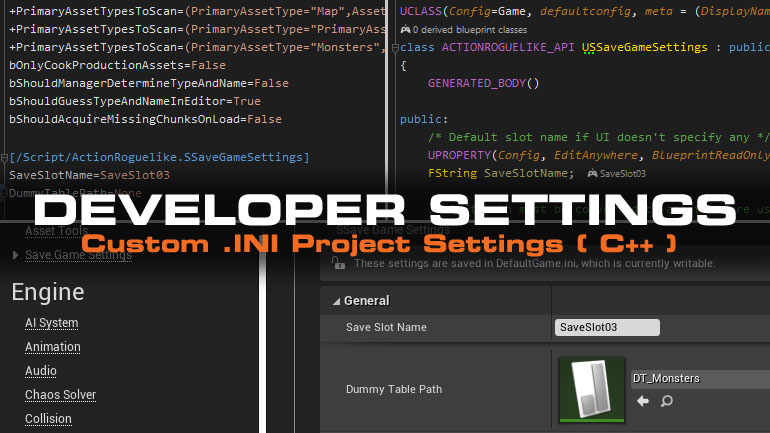
There is a better way to store and modify your project wide settings than using Blueprints or hard-coded C++. Learn how to use the Developer Settings class.
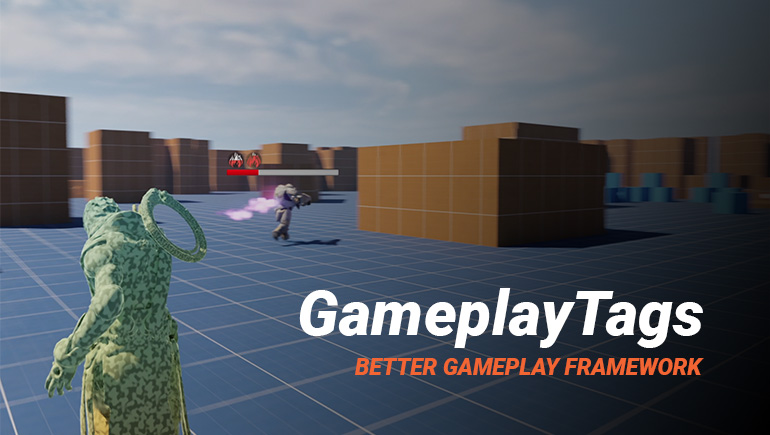
Why GameplayTags are valuable in Unreal Engine and how to use them for data-driven design and runtime decision-making.
Guide to using Unreal Engine’s Asset Manager for data assets and async loading with example workflows.
Improve Unreal Editor UX for C++ arrays of structs by using the TitleProperty metadata specifier.
Some time ago I saw a neat solution by Cory Spooner on outlining meshes using particle sprites. The concept has been done before - but it’s interesting enough to cover it regardless for Unreal Engine specifically. We render the outline on a translucent cube or sphere that is tightly fitted around the desired mesh. We apply the outline material to this cube instead of a post-process chain. This lets us affect only small portions of the screen rather than pay the full-screen...
An experiment in rendering soft, blurred outline effects in Unreal Engine using Custom Depth and post-process materials.
Use Custom Stencil and Custom Depth in Unreal Engine to render multi-colored outline effects with post-process materials.
Learn how Unreal Engine’s Custom Depth & Stencil buffer can drive outlines, occlusion effects, and other post processing tricks.
In this post I will discuss depth (or distance) fog and the things I did to improve on the original basic effect while keeping this simple and light-weight. It’s not a step-by-step tutorial, but explains the core concepts behind the effect including a download link at the end.
An experiment in rendering soft, blurred outline effects in Unreal Engine using Custom Depth and post-process materials.
Use Custom Stencil and Custom Depth in Unreal Engine to render multi-colored outline effects with post-process materials.
Learn how Unreal Engine’s Custom Depth & Stencil buffer can drive outlines, occlusion effects, and other post processing tricks.
This is the written Companion Guide to “Optimizing GPU Performance for ‘Far Far West’”. We go through the project in Unreal Engine 5.7 and explore opportunities for improving the GPU performance, especially for lower spec PCs.
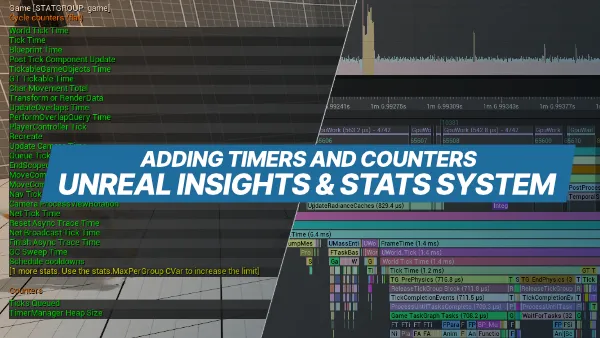
How to add counters and trace metrics in Unreal Insights and the Stats system to improve profiling and performance analysis.
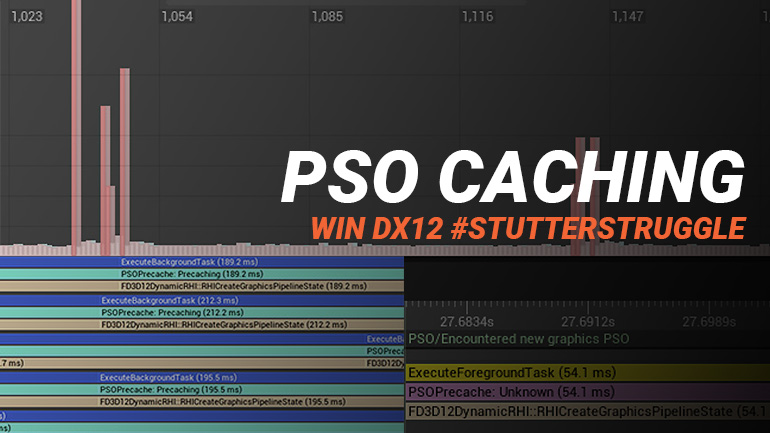
Guide to PSO precaching and bundled PSOs in Unreal Engine to reduce shader hitching and improve rendering performance.
Notes from an Unreal Engine optimization talk covering profiling, performance tuning, and low-cost workflow improvements.
Discover the most important Unreal Engine 5.8 performance and optimization improvements, including MegaLights, Lumen Lite, shader reductions, and rendering enhancements.
Highlights from Unreal Engine 5.7 performance updates, including Nanite Foliage, Lumen improvements, and MegaLights, with optimization insights and commentary.
A curated look at Unreal Engine 5.6 performance updates, rendering improvements, and optimization takeaways.
Highlights from Unreal Engine 5.5 release notes, with commentary on performance improvements and optimization opportunities.
An experiment in rendering soft, blurred outline effects in Unreal Engine using Custom Depth and post-process materials.
Use Custom Stencil and Custom Depth in Unreal Engine to render multi-colored outline effects with post-process materials.
Learn how Unreal Engine’s Custom Depth & Stencil buffer can drive outlines, occlusion effects, and other post processing tricks.
A personal reference to Unreal Engine lighting techniques from the 2017 MasterClass talk, with practical Lightmass setup and post-processing notes.
Experimenting with textured shadow tricks in Unreal Engine 4 using Forward rendering and LightAttenuation buffers.
Practical Unreal Engine guide to Signed Distance Fields for ambient occlusion, soft shadows, and runtime rendering effects.
A personal reference to Unreal Engine lighting techniques from the 2017 MasterClass talk, with practical Lightmass setup and post-processing notes.
Experimenting with textured shadow tricks in Unreal Engine 4 using Forward rendering and LightAttenuation buffers.
Practical Unreal Engine guide to Signed Distance Fields for ambient occlusion, soft shadows, and runtime rendering effects.
Sometimes you only need a simple “tween” style animation in C++ to interpolate values or animate certain gameplay elements using Curves and Easing Functions.
How to keep the Unreal Engine camera movable while the game is paused, including the necessary C++ setup.
Find out how to use timers in Unreal Engine 5 C++ including delegates, passing parameters and FTimerHandles.
How to add counters and trace metrics in Unreal Insights and the Stats system to improve profiling and performance analysis.
Notes from an Unreal Engine optimization talk covering profiling, performance tuning, and low-cost workflow improvements.
Find out how to use timers in Unreal Engine 5 C++ including delegates, passing parameters and FTimerHandles.
Why GameplayTags are valuable in Unreal Engine and how to use them for data-driven design and runtime decision-making.
Since the last time I wrote about Utility AI for Unreal Engine 4, it has been streamlined and so has the Action System it’s built on. The Action System is quite similar to Unreal’s Gameplay Ability System for those familiar. Towards the end I’ll tease a few other AI related concepts I’ve been working on. Here is part one in case you missed it.
Introduction to Utility AI concepts and how to apply them in Unreal Engine as an alternative to Behavior Trees.
This is the written Companion Guide to “Optimizing GPU Performance for ‘Far Far West’”. We go through the project in Unreal Engine 5.7 and explore opportunities for improving the GPU performance, especially for lower spec PCs.
Notes from an Unreal Engine optimization talk covering profiling, performance tuning, and low-cost workflow improvements.
Learn how Unreal Engine can automatically apply scalability settings based on player hardware benchmark results.
How to add counters and trace metrics in Unreal Insights and the Stats system to improve profiling and performance analysis.
Guide to PSO precaching and bundled PSOs in Unreal Engine to reduce shader hitching and improve rendering performance.
Notes from an Unreal Engine optimization talk covering profiling, performance tuning, and low-cost workflow improvements.
This is the written Companion Guide to “Optimizing GPU Performance for ‘Far Far West’”. We go through the project in Unreal Engine 5.7 and explore opportunities for improving the GPU performance, especially for lower spec PCs.
Practical Unreal Engine guide to Signed Distance Fields for ambient occlusion, soft shadows, and runtime rendering effects.
Today I’d like to quickly show how you can add UI for things like health bars, nameplates, interaction prompts and more in Unreal Engine. It’s quite simple to do, and I hear a lot of questions about this, so today I’ll share some tricks with you to make this even easier. The sample code is done in C++, but keep reading as I show you a quick and easy Blueprint-only trick too! The following guide explains the concept of how to be able to fetch the information you desire for ...
Build a circular progress bar in UMG with material-driven animation and texture setup for Unreal Engine UI.
Today I’d like to quickly show how you can add UI for things like health bars, nameplates, interaction prompts and more in Unreal Engine. It’s quite simple to do, and I hear a lot of questions about this, so today I’ll share some tricks with you to make this even easier. The sample code is done in C++, but keep reading as I show you a quick and easy Blueprint-only trick too! The following guide explains the concept of how to be able to fetch the information you desire for ...
Build a circular progress bar in UMG with material-driven animation and texture setup for Unreal Engine UI.
Installing and configuring JetBrains Rider for Unreal Engine C++ programming requires a very specific set of components. This guide will help you make this setup process go smoothly.
A simplified Unreal Engine FPS template for C++ learners, removing VR/mobile complexity and focusing on core gameplay code.
Since the last time I wrote about Utility AI for Unreal Engine 4, it has been streamlined and so has the Action System it’s built on. The Action System is quite similar to Unreal’s Gameplay Ability System for those familiar. Towards the end I’ll tease a few other AI related concepts I’ve been working on. Here is part one in case you missed it.
Introduction to Utility AI concepts and how to apply them in Unreal Engine as an alternative to Behavior Trees.
This is the written Companion Guide to “Optimizing GPU Performance for ‘Far Far West’”. We go through the project in Unreal Engine 5.7 and explore opportunities for improving the GPU performance, especially for lower spec PCs.
Showcases how to rotate meshes on the GPU in Unreal Engine using vertex shaders for performance-friendly animation.
Guide to PSO precaching and bundled PSOs in Unreal Engine to reduce shader hitching and improve rendering performance.
Reduce Unreal Engine shader compile times and package size with project settings and shader permutation optimizations.
A practical Unreal Engine guide to DLSS 2.0, comparing quality, performance, and setup for UE4 projects.
Learn how Unreal Engine can automatically apply scalability settings based on player hardware benchmark results.
There is a better way to store and modify your project wide settings than using Blueprints or hard-coded C++. Learn how to use the Developer Settings class.
Improve Unreal Editor UX for C++ arrays of structs by using the TitleProperty metadata specifier.
There is a better way to store and modify your project wide settings than using Blueprints or hard-coded C++. Learn how to use the Developer Settings class.
Guide to using Unreal Engine’s Asset Manager for data assets and async loading with example workflows.
Notes from an Unreal Engine optimization talk covering profiling, performance tuning, and low-cost workflow improvements.
Guide to using Unreal Engine’s Asset Manager for data assets and async loading with example workflows.
My Unreal Engine 5 C++ course has been rebuilt with 30+ hours of new lessons, updated gameplay systems, and a refined curriculum.
The February 2026 early-access announcement for the C++ course rebuild. See the current course page for availability, pricing, and curriculum.
Find out how to use timers in Unreal Engine 5 C++ including delegates, passing parameters and FTimerHandles.
Earlier this week I tweeted about hit-masking characters to show dynamic blood and wounds. Today I’d like to talk a little about the effect and how it came to be. I’ll talk a little bit about the technical details and some alternatives. The effect is a proof of concept to try and find a cheaper alternative to texture splatting using render targets. So let’s get going!
Earlier this week I tweeted about hit-masking characters to show dynamic blood and wounds. Today I’d like to talk a little about the effect and how it came to be. I’ll talk a little bit about the technical details and some alternatives. The effect is a proof of concept to try and find a cheaper alternative to texture splatting using render targets. So let’s get going!
A personal reference to Unreal Engine lighting techniques from the 2017 MasterClass talk, with practical Lightmass setup and post-processing notes.
In this post I will discuss depth (or distance) fog and the things I did to improve on the original basic effect while keeping this simple and light-weight. It’s not a step-by-step tutorial, but explains the core concepts behind the effect including a download link at the end.
Reduce Unreal Engine shader compile times and package size with project settings and shader permutation optimizations.
How to keep the Unreal Engine camera movable while the game is paused, including the necessary C++ setup.
A practical Unreal Engine guide to DLSS 2.0, comparing quality, performance, and setup for UE4 projects.
For my upcoming game WARPSQUAD, I was curious how easy it is to fetch data from a web service to be displayed in-game. The initial use case is a simple Message of the Day (MOTD) to be displayed in the main menu. Allowing for easy communication with players during playtests or (service) issues. You could use such web interfacing for posting in-game feedback too or whatever data you want to keep outside of the game executable to update on the fly.
For my upcoming game WARPSQUAD, I was curious how easy it is to fetch data from a web service to be displayed in-game. The initial use case is a simple Message of the Day (MOTD) to be displayed in the main menu. Allowing for easy communication with players during playtests or (service) issues. You could use such web interfacing for posting in-game feedback too or whatever data you want to keep outside of the game executable to update on the fly.
For your game, you will eventually need to write some kind of save system. To store player information, unlocks, achievements, etc. In some cases, you will need to save the world state such as looted chests, unlocked doors, dropped player items, etc.
For your game, you will eventually need to write some kind of save system. To store player information, unlocks, achievements, etc. In some cases, you will need to save the world state such as looted chests, unlocked doors, dropped player items, etc.
Why GameplayTags are valuable in Unreal Engine and how to use them for data-driven design and runtime decision-making.
There is a better way to store and modify your project wide settings than using Blueprints or hard-coded C++. Learn how to use the Developer Settings class.
Guide to PSO precaching and bundled PSOs in Unreal Engine to reduce shader hitching and improve rendering performance.
Sometimes you only need a simple “tween” style animation in C++ to interpolate values or animate certain gameplay elements using Curves and Easing Functions.
This is the written Companion Guide to “Optimizing GPU Performance for ‘Far Far West’”. We go through the project in Unreal Engine 5.7 and explore opportunities for improving the GPU performance, especially for lower spec PCs.
My Unreal Engine 5 C++ course has been rebuilt with 30+ hours of new lessons, updated gameplay systems, and a refined curriculum.
My Unreal Engine 5 C++ course has been rebuilt with 30+ hours of new lessons, updated gameplay systems, and a refined curriculum.