Niagara Data Channels for Projectile Impacts
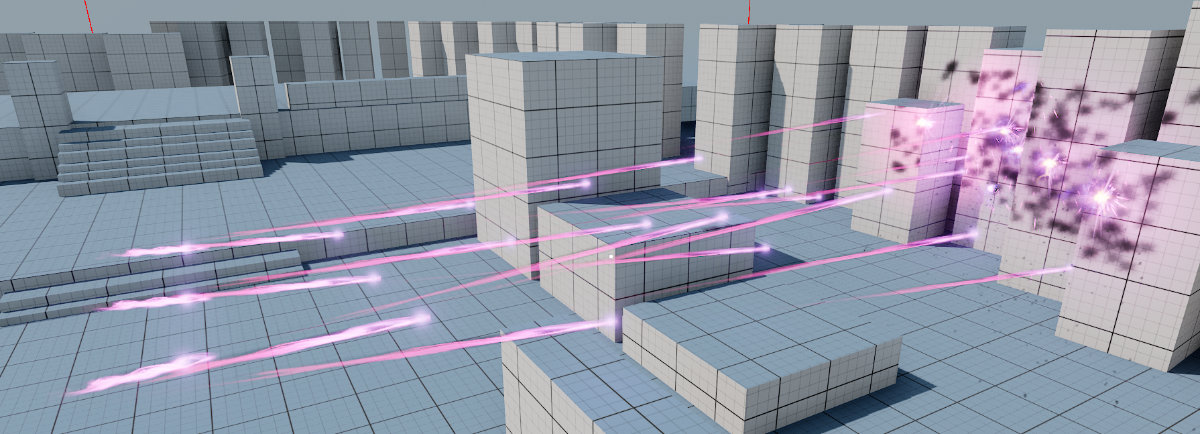
In Project Orion the data-oriented implementation for projectiles (see class: URogueProjectilesSubsystem) implements Niagara Data Channels (“NDC”) to handle impact decals. At this time, the impact explosions still rely on traditionally spawned Niagara VFX, however that could use NDCs as well. It’s only the decal part that is currently handled through NDCs as an experimentation.
What are Niagara Data Channels?
Niagara Data Channels can be used as an optimization to use one or a few Niagara Components to handle potentially thousands of burst VFX. The traditional method requires one Niagara Component per instance such as an impact explosion, with NDCs these components are known as Islands and instead trigger additional instances within a single component reducing overhead. Project Orion currently uses this only experimentally, in the projectiles subsystem but it’s a complete implementation that you can reference and learn from.
Code Examples
You can find the implementation of sending data into the NDC in URogueProjectilesSubsystem::SpawnImpactFX, the most interesting code snippet is added below:
// Helps find the correct island to inject this particle into
FNiagaraDataChannelSearchParameters Params = FNiagaraDataChannelSearchParameters(ImpactPosition);

// DECAL, using the Data Channels rather than relying on individual particle systems
// only visible to CPU, for GPU particles we probably need "GPU" to be true instead
UNiagaraDataChannelWriter* Writer = UNiagaraDataChannelLibrary::WriteToNiagaraDataChannel(World, ProjConfig.ConfigDataAsset->ImpactDecal_DataChannel,
    Params, 1, false, true, false, "ImpactDecals");

Writer->WriteVector("ImpactLocation", 0, ImpactPosition);
Writer->WriteVector("ImpactNormal", 0, ProjConfig.Hit.ImpactNormal);
This code writes data into the NDC, which are their own assets:
'/Game/ActionRoguelike/Effects/DataChannel_Impacts' // The main Data Channel configuration, linked up for the NS_Impact_Decal VFX below
'/Game/ActionRoguelike/Effects/NS_Impact_Decal' // The main VFX used, with Decal Renderer (does not use any instanced rendering)
'/Game/ActionRoguelike/Effects/NS_Impact_Decal_Mesh.NS_Impact_Decal_Mesh' // Experimenting with Mesh Renderer for instanced rendering
The game knows which NDC to use through URogueProjectileData::ImpactDecal_DataChannel (Implementation Example can be found in ‘/Game/ActionRoguelike/Projectiles/DA_ProjectileConfigAI’, use the Reference Viewer to see how that is linked up to other content).
Trying the Code
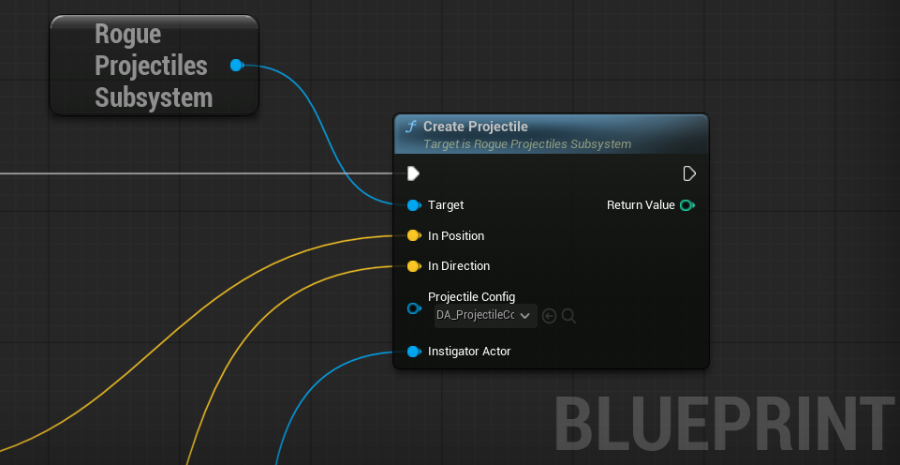
You can see the Niagara Data Channels in action by opening Project Orion and dragging a ProjectileSpammer blueprint (‘/Game/ActionRoguelike/Performance/ProjectileSpammer.’) onto the Map. This is configured to spam projectiles using the data-oriented implementation inside the Projectile Subsystem.
References
The intro article below is somewhat outdated and has a follow-up with some changes. It’s still a useful reference point to loosely understand how NDC operates.